boxicons

For restaurants, shops, venues and event hosts

Google Maps links that open the Google Maps app

Google Maps links that open the Google Maps app

People tap your Google Maps link on Instagram and get a web page inside the app, not directions. Paste your place or directions link, and OpenUp opens it in Google Maps, where they can start navigating, call you or save your spot.

No credit card required
Work with your favourite app

Why does my Google Maps link open in the browser instead of the app?

Instagram and Facebook open links in their own browser, not in Google Maps. People get a slow web map where they aren't signed in, and starting directions takes extra taps. Many give up before they find you. OpenUp checks whether they're on iPhone or Android and opens the Google Maps app instead.

Why does my Google Maps link open in the browser instead of the app?

Instagram and Facebook open links in their own browser, not in Google Maps. People get a slow web map where they aren't signed in, and starting directions takes extra taps. Many give up before they find you. OpenUp checks whether they're on iPhone or Android and opens the Google Maps app instead.

Why does my Google Maps link open in the browser instead of the app?

Instagram and Facebook open links in their own browser, not in Google Maps. People get a slow web map where they aren't signed in, and starting directions takes extra taps. Many give up before they find you. OpenUp checks whether they're on iPhone or Android and opens the Google Maps app instead.

How

How to make a Google Maps link open in the app

Three steps, under 30 seconds.

How

How to make a Google Maps link open in the app

Three steps, under 30 seconds.

How

How to make a Google Maps link open in the app

Three steps, under 30 seconds.

Copy your Google Maps link

In Google Maps, open your place, tap Share, then Copy link.

Google Maps share link being copied

Paste it into OpenUp

You get a short link that opens the Google Maps app.
The OpenUp logo centered inside concentric circles with popular social media and e-commerce app icons orbiting it, representing automated app detection.

Share it

Put it in your Instagram bio, a story link sticker or a Facebook post.
A short link text box with a share button positioned above a grid of various major social media platform icons.

Solutions

Solution

What changes when the link opens in Google Maps?

What changes when the link opens in Google Maps?

What changes when the link opens in Google Maps?

People see your place with your photos, reviews and hours, and can start directions or call you in one tap, without a web page in the way.

People see your place with your photos, reviews and hours, and can start directions or call you in one tap, without a web page in the way.

OpenUp opens the Google Maps app on iPhone and Android.

Who

What Google Maps links can I use?

Any link you copy from the Share button in Google Maps.

Who

What Google Maps links can I use?

Any link you copy from the Share button in Google Maps.

Who

What Google Maps links can I use?

Any link you copy from the Share button in Google Maps.

Your business

Send people to your address, hours and reviews.

Directions

Open a route right in Google Maps.

Directions

Open a route right in Google Maps.

Event venues

Get guests to the right door on event day.

Pop-ups and new spots

Show followers where to find you this week.
Features

Take full control of your links

From custom domains to QR Code, we give you the power to optimize your conversions.

Features

Take full control of your links

From custom domains to QR Code, we give you the power to optimize your conversions.

Features

Take full control of your links

From custom domains to QR Code, we give you the power to optimize your conversions.

Customizing the slug

Create unique, short, and memorable connections by customizing each slug.

A stylized link input container displaying a customizable short URL structure featuring an Instagram icon and editable slug text.

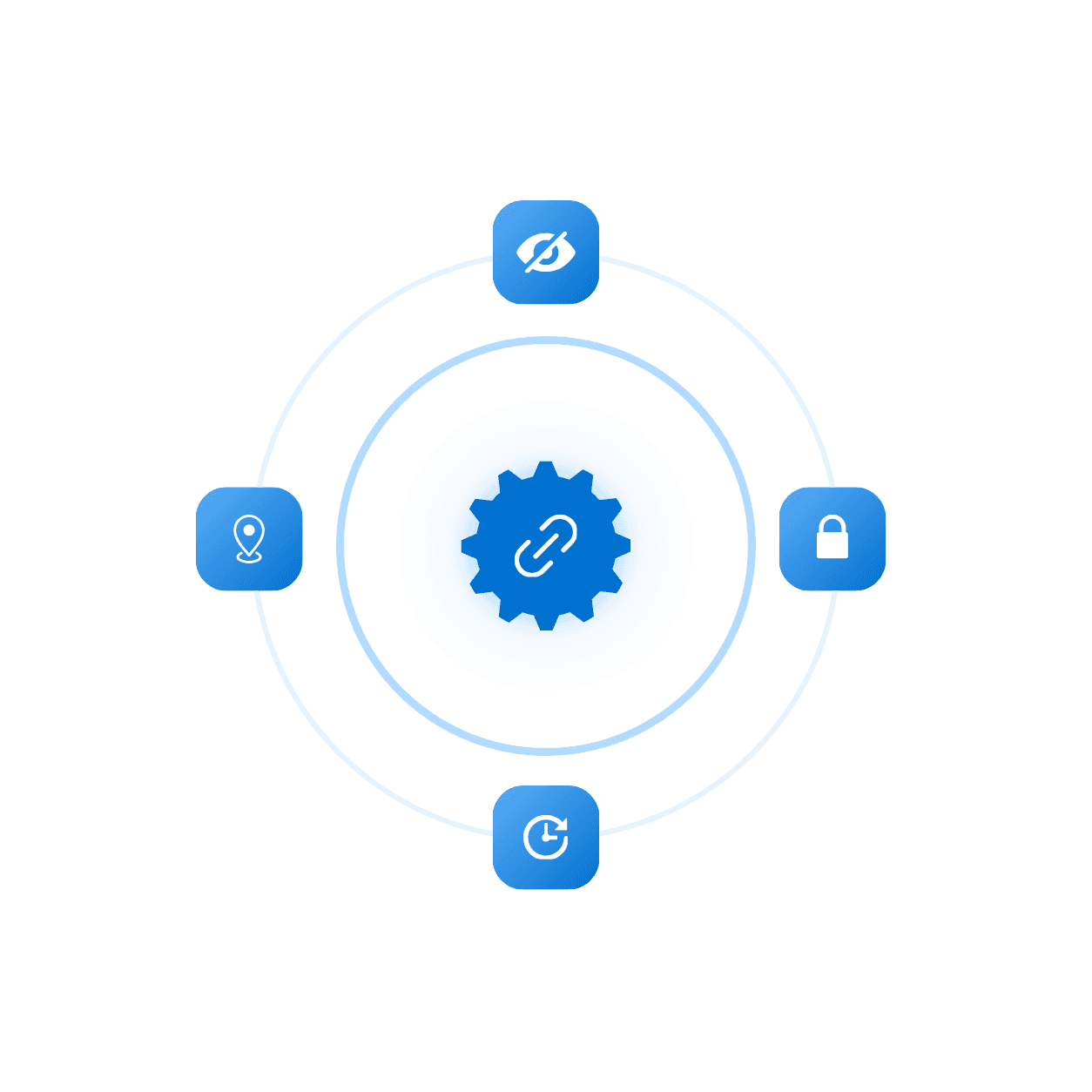
Advanced setting

Add expiration, limit clicks, or password to protect your links and more.

A central link-gear icon enclosed by a circular dotted track connecting various security, password, and expiration toggle buttons.

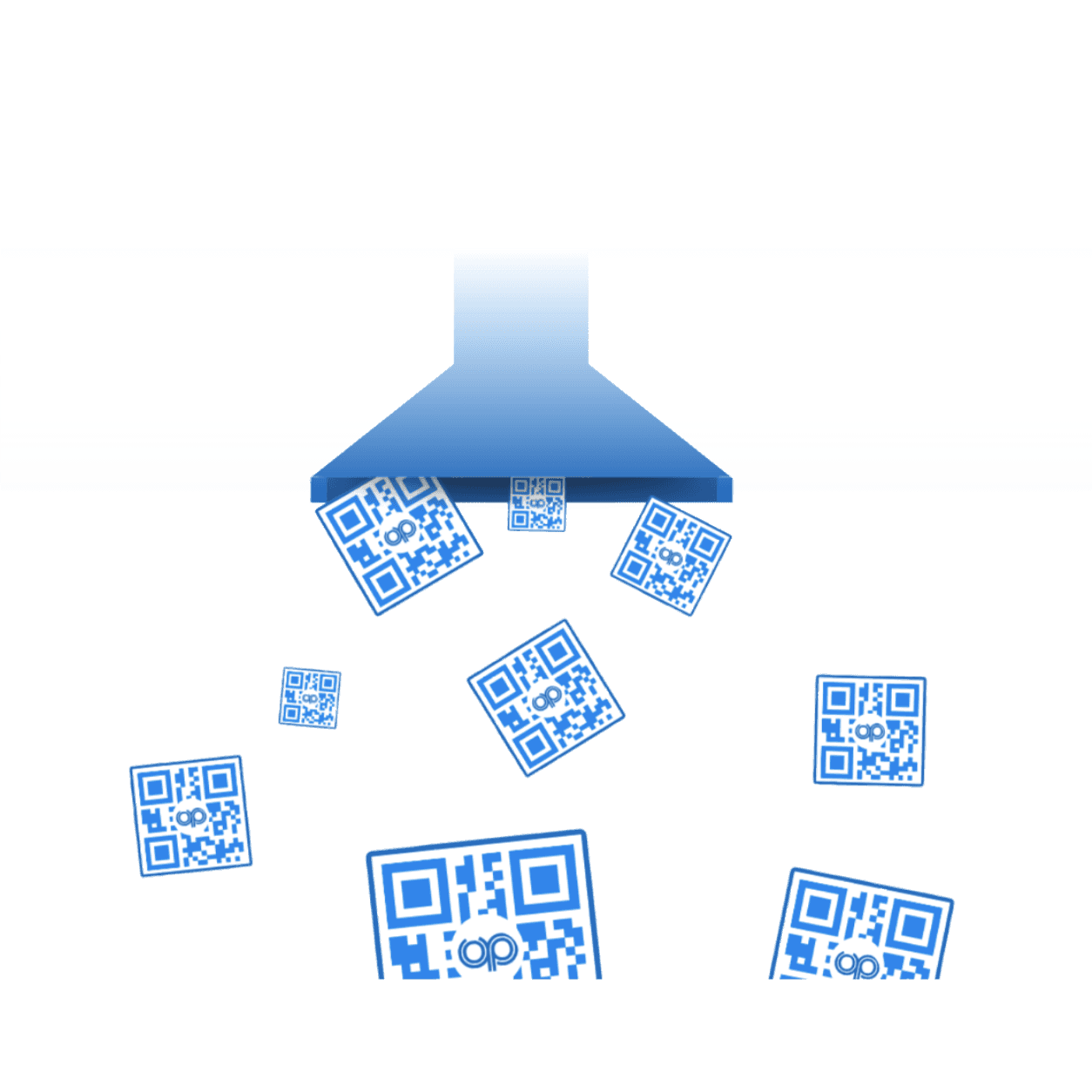
QR Code

Generate a unique QR code that sends people straight to your link.

An upside-down blue funnel graphic generating and distributing multiple custom scannable QR codes.

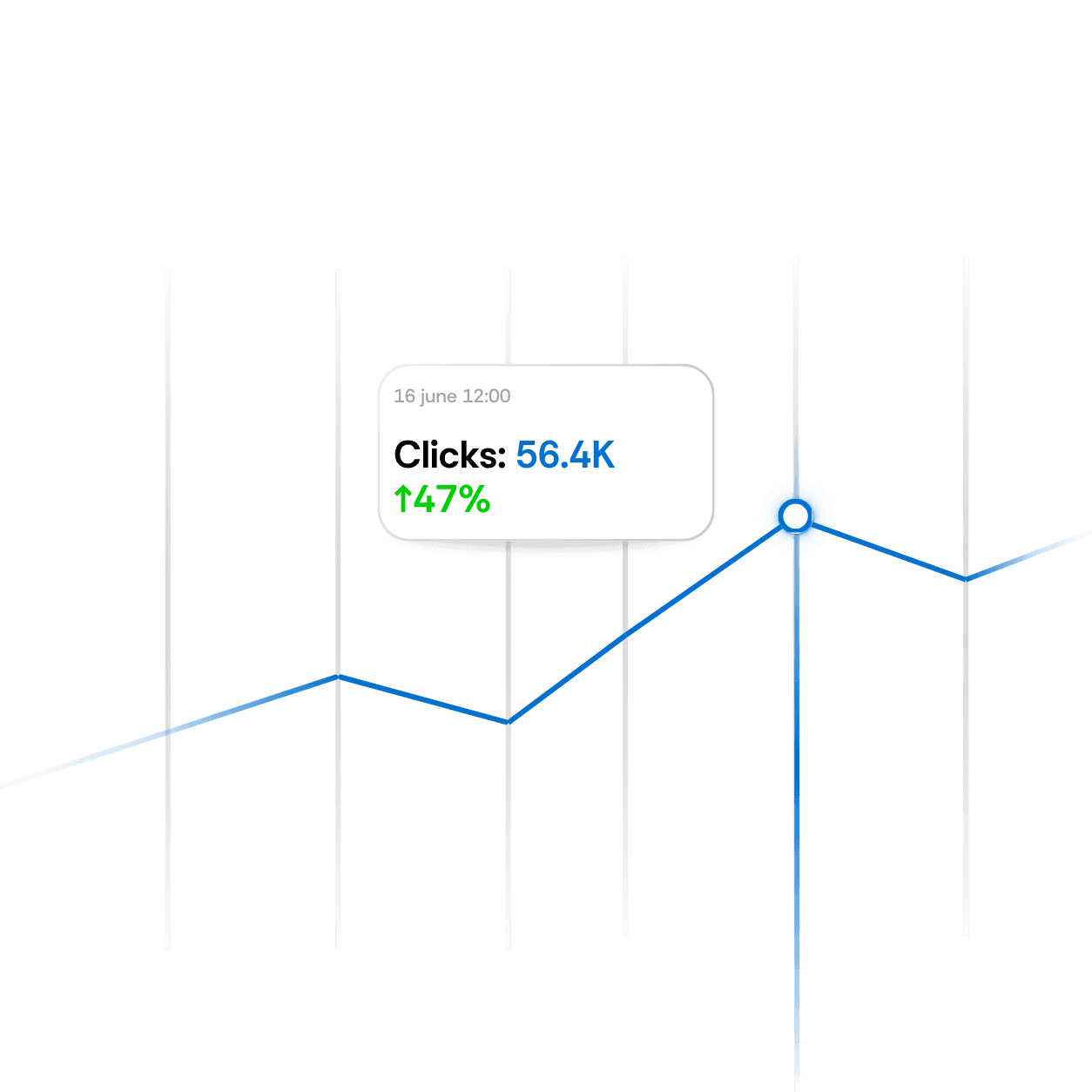
Live analytics

View real-time analytics for every link to measure performance instantly.

A real-time data analytics chart showing an upward trend line with a specific metrics tooltip bubble tracking thousands of clicks.

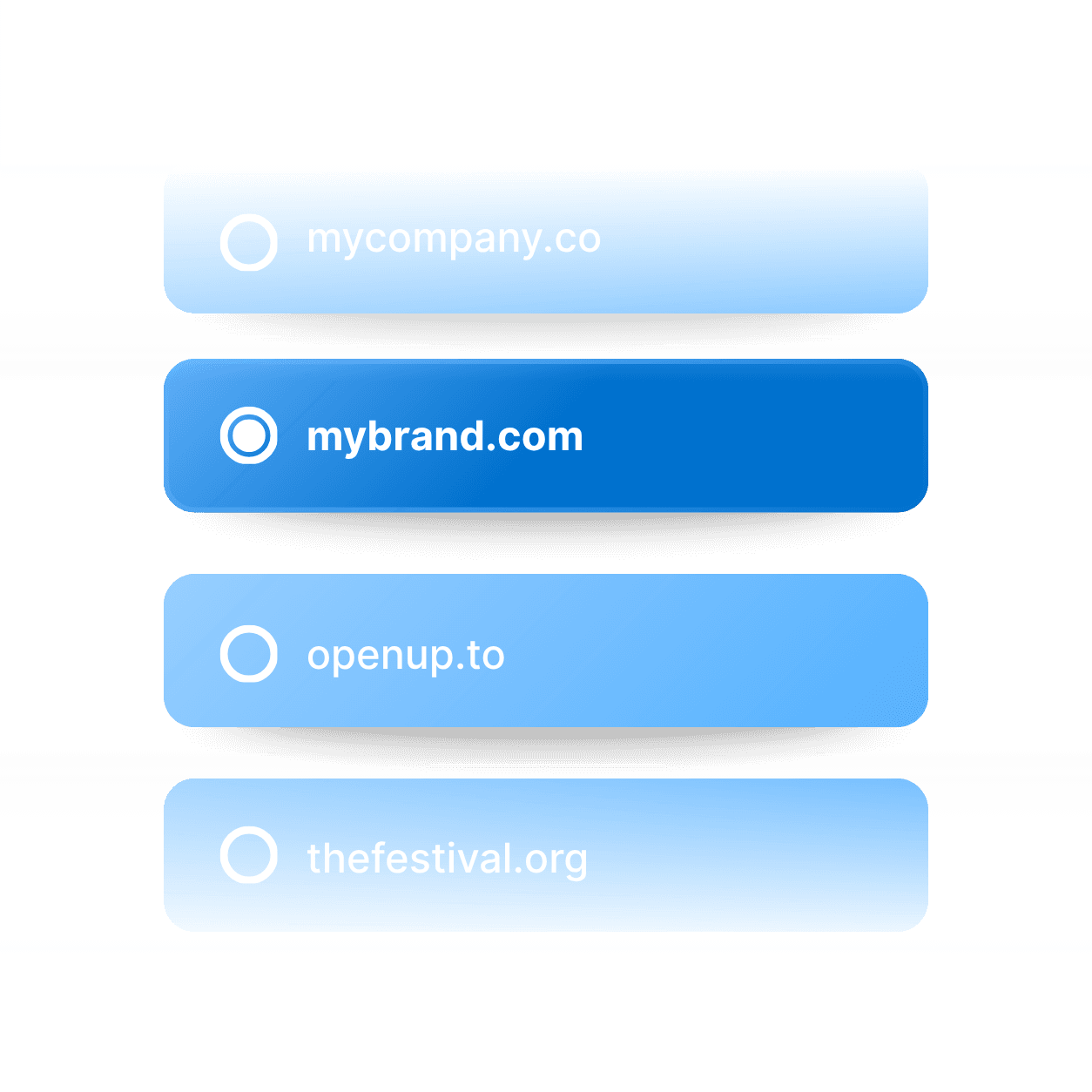
Domain Name

Connect your custom domain to every link for a fully branded experience.

A vertical menu of custom branded domain options with the primary "mybrand.com" link highlighted in a solid blue selection state.

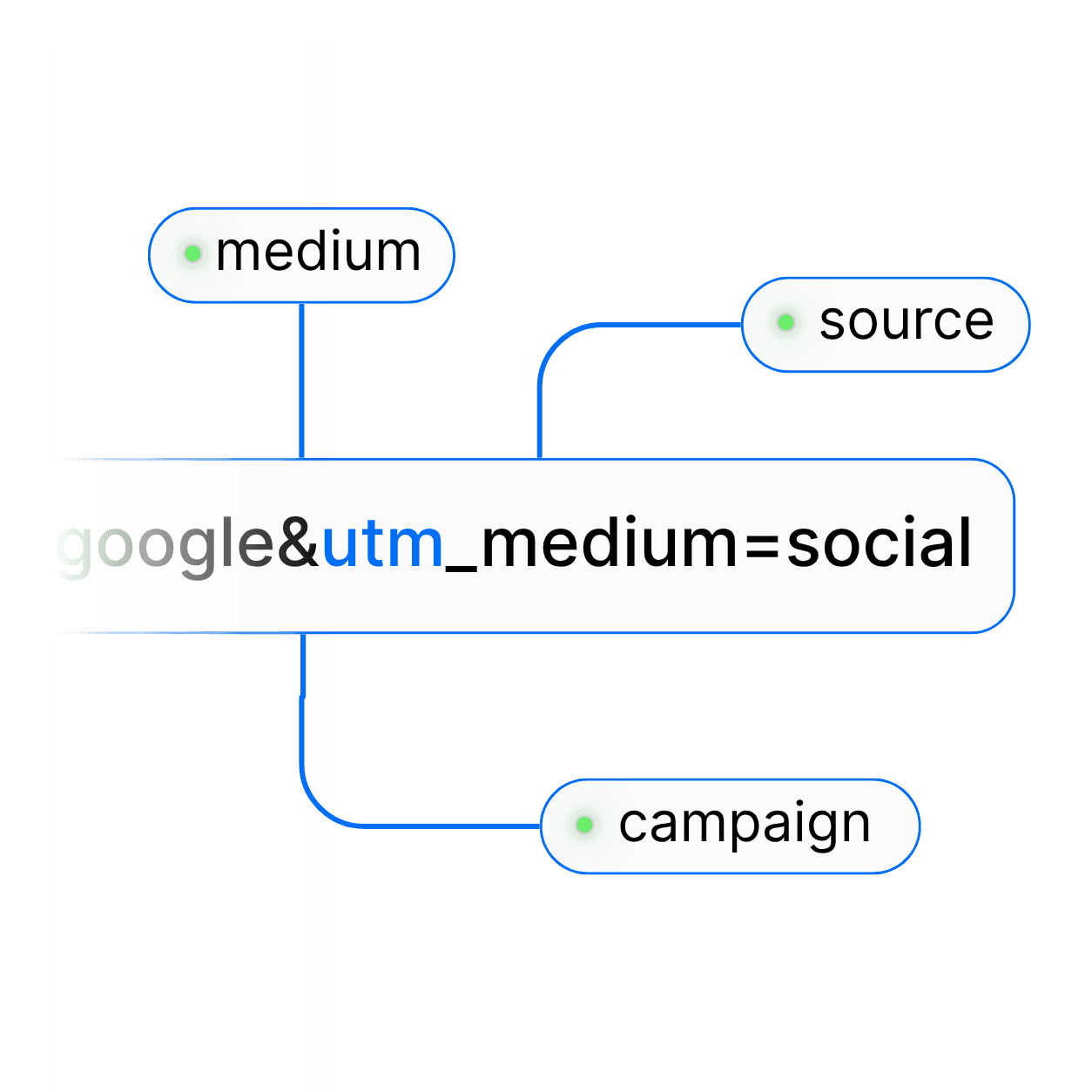
UTM parameter

Easily add UTM parameters to every link to track campaign performance.

A clean diagram layout mapping out marketing tracking parameters like medium, source, and campaign nodes connected to a Google analytics URL string.

Customizing the slug

Create unique, short, and memorable connections by customizing each slug.

Logos of tools outward, illustrating easy integration with no engineering required.

Advanced setting

Add expiration, limit clicks, or password to protect your links and more.

Envelope containing recommendations like “Fix churn spike” and “Action,” symbolizing actionable insights.

Domain Name

Connect your custom domain to every link for a fully branded experience.

Gauge showing levels of user engagement, with tags for high and low engagement percentages.

UTM parameter

Easily add UTM parameters to every link to track campaign performance.

Envelope containing recommendations like “Fix churn spike” and “Action,” symbolizing actionable insights.

FAQ's

Common questions with Clear answers

Here are answers to the most common things people ask before getting started.

FAQ's

Common questions with Clear answers

Here are answers to the most common things people ask before getting started.

FAQ's

Common questions with Clear answers

Here are answers to the most common things people ask before getting started.

Does it work on iPhone and Android?

Yes. OpenUp opens the Google Maps app on both.

Can I use it in an Instagram story?

Yes. Add your OpenUp link with the link sticker. People who tap it go to Google Maps, not a web page.

What if someone doesn’t have Google Maps?

The link opens the Google Maps website in their browser.

Does it work with Apple Maps links?

No. OpenUp works with links copied from Google Maps. Use the Share button in Google Maps to get one.

Is it free?

Yes. The free plan includes 5 links and 1,000 clicks per link each month.

What do you want to create?

Deep links

What do you want to create?

Deep links

What do you want to create?

Deep links