


The #1 Instagram Fix
Bypass the Instagram In-App Browser
Bypass the Instagram In-App Browser
Your Instagram bio, Story and DM links are trapped in Instagram’s in-app browser. OpenUp force-opens them in Safari, Chrome or directly inside YouTube, Amazon and 50+ apps.
No credit card required
Work with your favourite app
Work with your favourite app






The Instagram link trap?
OpenUp bypasses the Instagram in-app browser by detecting when a click happens inside Instagram’s web view and force-opening the destination in Safari (iOS), Chrome (Android), or directly inside the right native app (YouTube, Amazon, TikTok and 100+ more). It works on bio links, Story stickers, DMs and comments, so your followers stay logged in and can actually convert. Free plan included. 1,000 clicks per link every month.
The Instagram link trap?
OpenUp bypasses the Instagram in-app browser by detecting when a click happens inside Instagram’s web view and force-opening the destination in Safari (iOS), Chrome (Android), or directly inside the right native app (YouTube, Amazon, TikTok and 100+ more). It works on bio links, Story stickers, DMs and comments, so your followers stay logged in and can actually convert. Free plan included. 1,000 clicks per link every month.
The Instagram link trap?
OpenUp bypasses the Instagram in-app browser by detecting when a click happens inside Instagram’s web view and force-opening the destination in Safari (iOS), Chrome (Android), or directly inside the right native app (YouTube, Amazon, TikTok and 100+ more). It works on bio links, Story stickers, DMs and comments, so your followers stay logged in and can actually convert. Free plan included. 1,000 clicks per link every month.
Problem
Why does Instagram open my links in an in-app browser?
Why does Instagram open my links in an in-app browser?
Because Meta keeps users inside the Instagram app on purpose. Every outbound tap renders inside Instagram’s web view, which strips logged-in sessions, breaks Apple Pay and autofill, drops cookies, and stops pixels from firing correctly. The result is cart abandonment, lost subscribes and broken attribution.
Because Meta keeps users inside the Instagram app on purpose. Every outbound tap renders inside Instagram’s web view, which strips logged-in sessions, breaks Apple Pay and autofill, drops cookies, and stops pixels from firing correctly. The result is cart abandonment, lost subscribes and broken attribution.
Solution
How OpenUp bypasses the Instagram in-app browser
How OpenUp bypasses the Instagram in-app browser
penUp inserts a lightweight smart redirect. When a click is detected inside Instagram’s in-app browser, OpenUp escapes to Safari (iOS) or Chrome (Android), or opens directly inside the destination app when you’re linking to YouTube, Amazon and similar apps. Sessions, Apple Pay and pixels are preserved on the landing page.
penUp inserts a lightweight smart redirect. When a click is detected inside Instagram’s in-app browser, OpenUp escapes to Safari (iOS) or Chrome (Android), or opens directly inside the destination app when you’re linking to YouTube, Amazon and similar apps. Sessions, Apple Pay and pixels are preserved on the landing page.
OpenUp maximizes the escape rate. This is the cleanest workaround available.
Problem
What breaks inside Instagram’s in-app browser
Stop losing customers to slow in-app browsers.
Problem
What breaks inside Instagram’s in-app browser
Stop losing customers to slow in-app browsers.
Problem
What breaks inside Instagram’s in-app browser
Stop losing customers to slow in-app browsers.
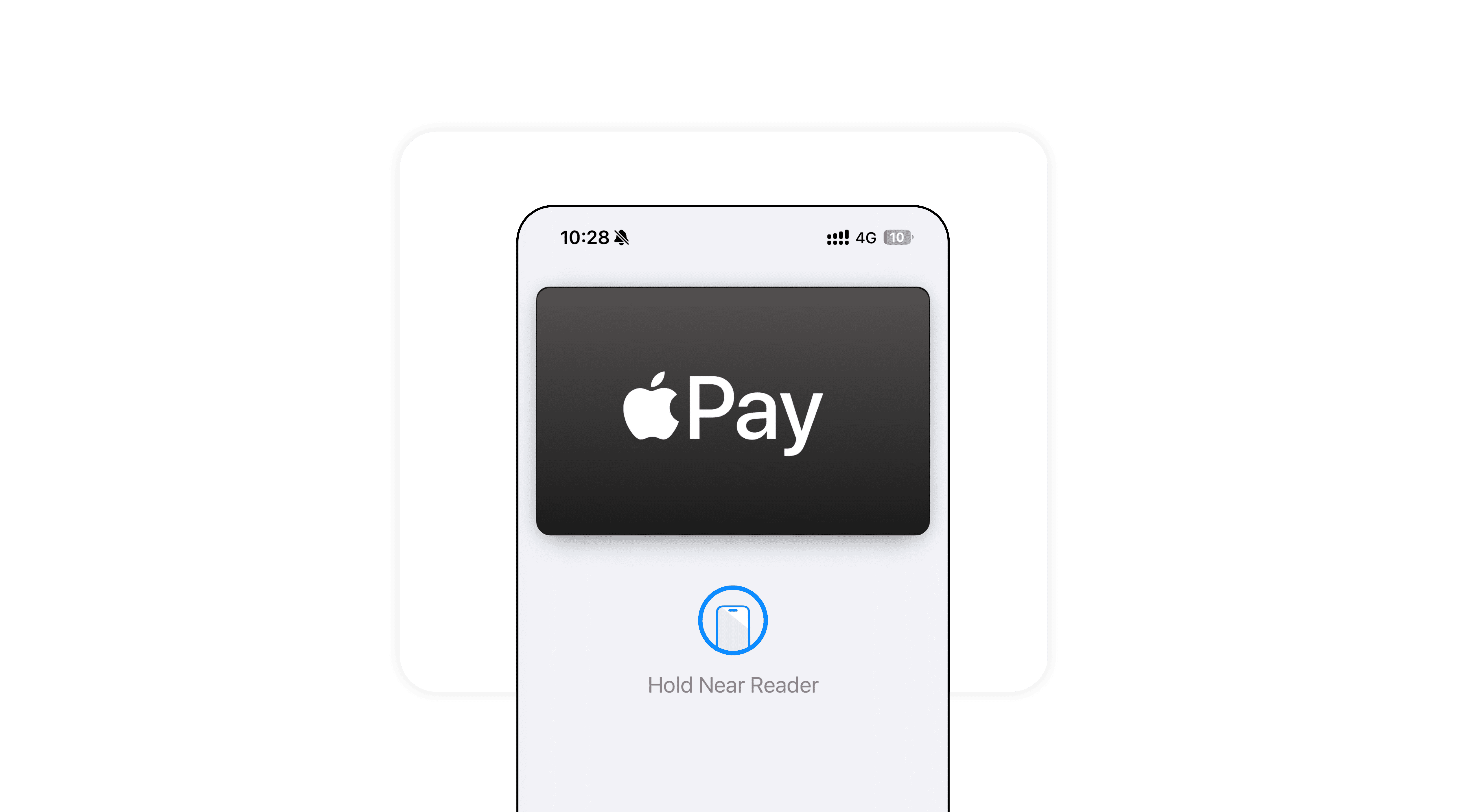
Saved card autofill and Apple Pay
Bypass restricted webviews so your customers can checkout instantly using Apple Pay and saved cards.
Saved card autofill and Apple Pay
Bypass restricted webviews so your customers can checkout instantly using Apple Pay and saved cards.
Saved card autofill and Apple Pay
Bypass restricted webviews so your customers can checkout instantly using Apple Pay and saved cards.
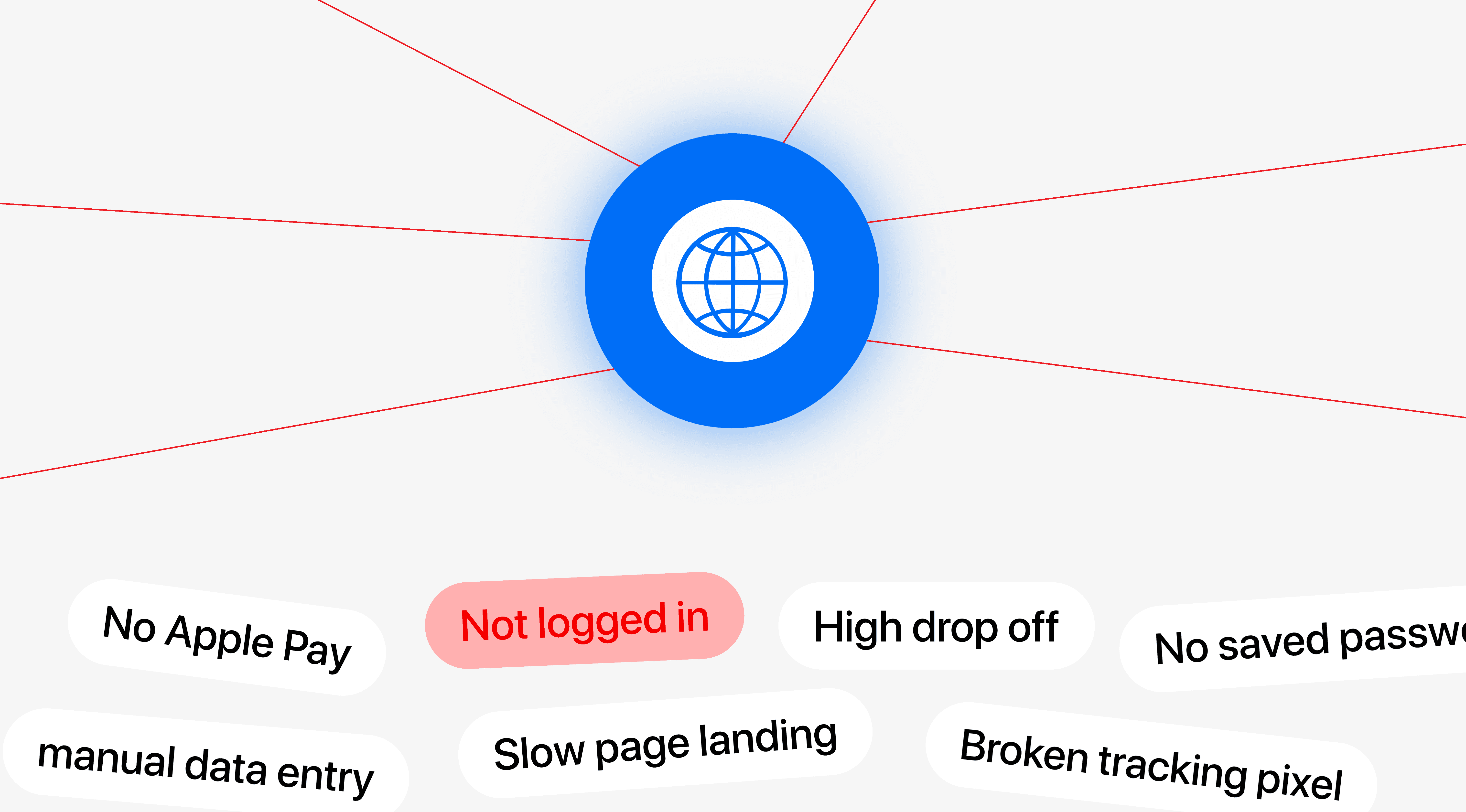
Saved logins
Keep your followers connected. Links open directly where they are already logged in, eliminating forgotten passwords.
Saved logins
Keep your followers connected. Links open directly where they are already logged in, eliminating forgotten passwords.
Saved logins
Keep your followers connected. Links open directly where they are already logged in, eliminating forgotten passwords.
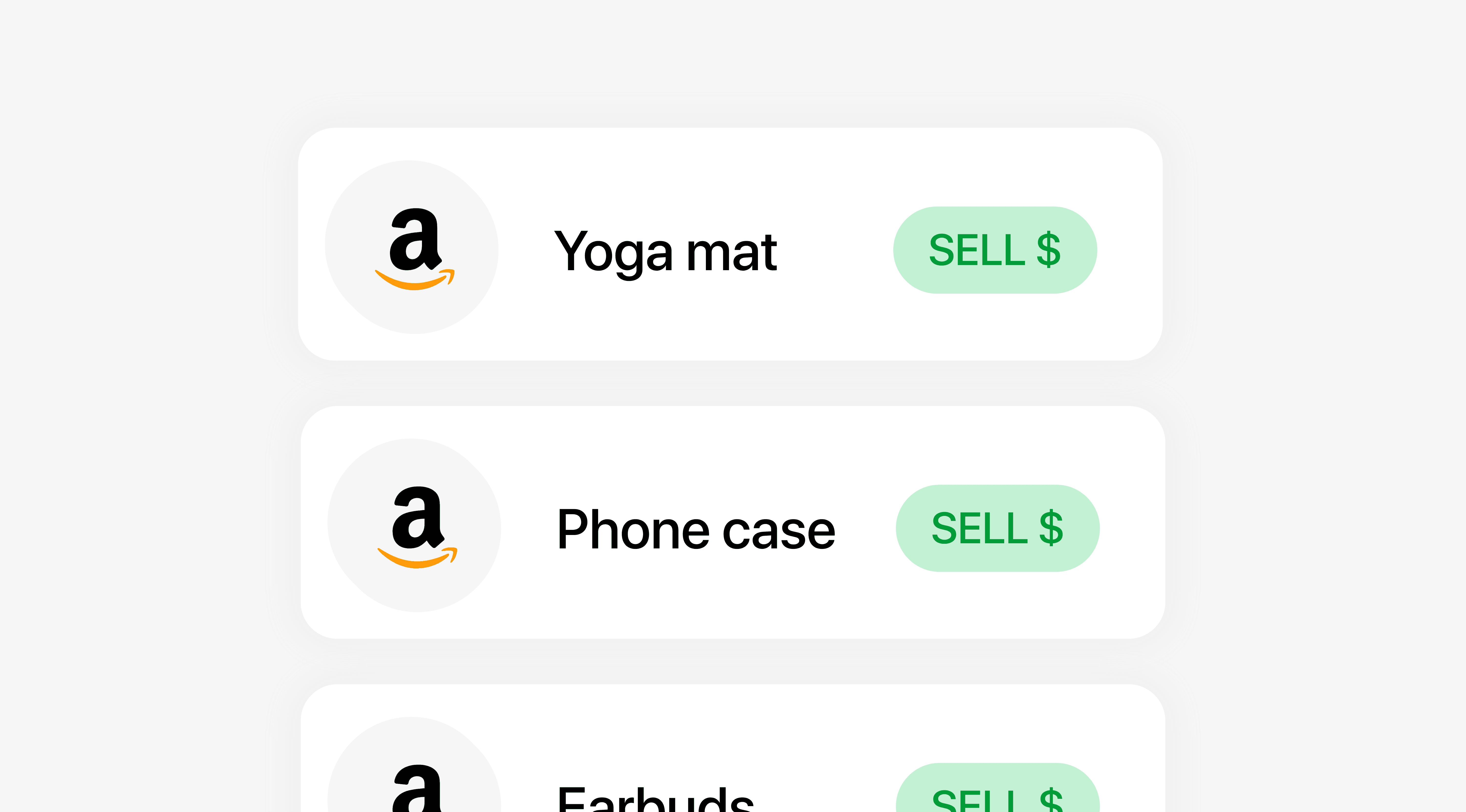
Cookies and sessions for repeat visitors
Secure your affiliate commissions. Native apps preserve user sessions and cookies so you never lose a sale.
Cookies and sessions for repeat visitors
Secure your affiliate commissions. Native apps preserve user sessions and cookies so you never lose a sale.
Cookies and sessions for repeat visitors
Secure your affiliate commissions. Native apps preserve user sessions and cookies so you never lose a sale.
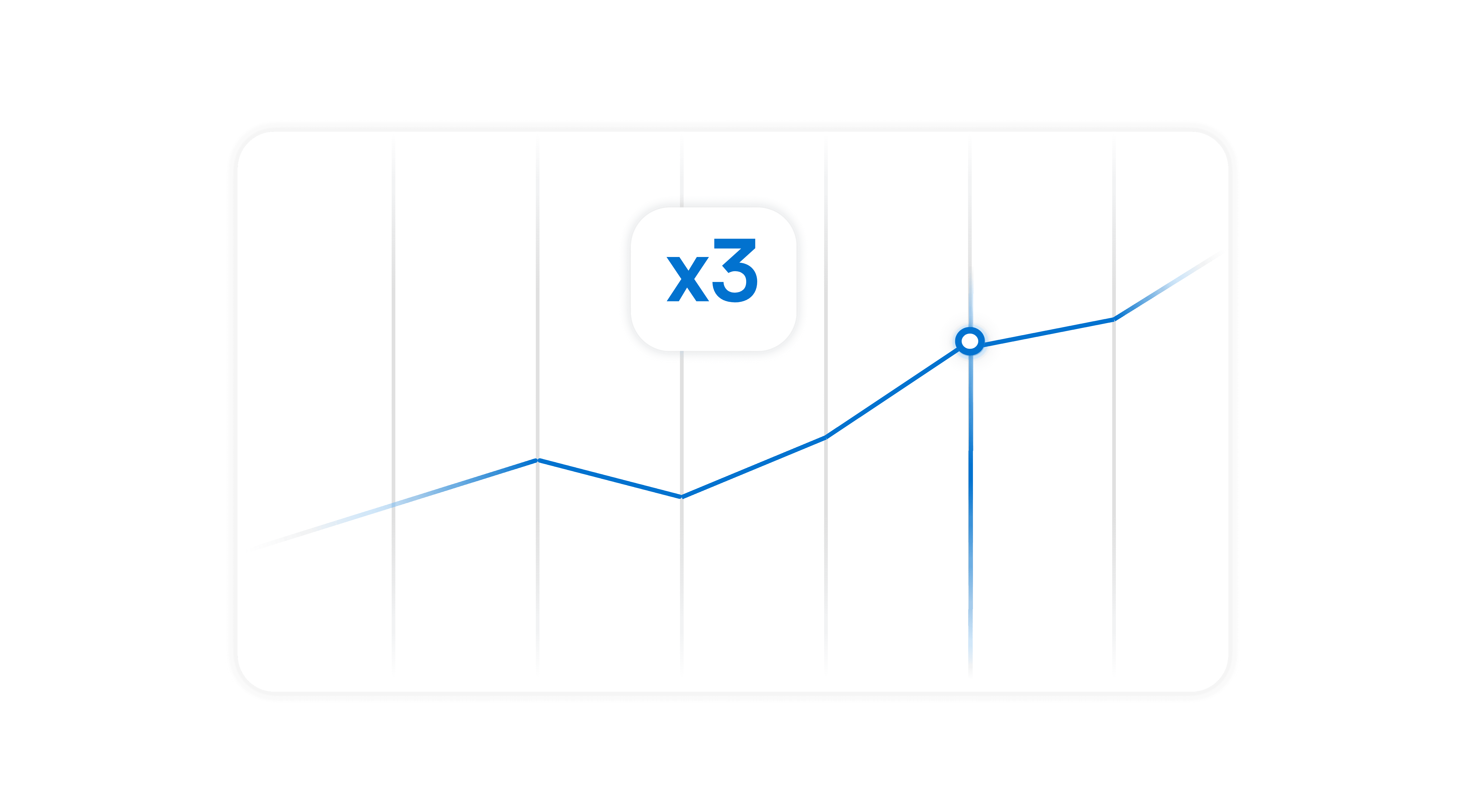
Meta Pixel and GA4 firing reliably
Stop losing conversion data. Ensure your tracking pixels fire perfectly without getting blocked by social browsers.
Meta Pixel and GA4 firing reliably
Stop losing conversion data. Ensure your tracking pixels fire perfectly without getting blocked by social browsers.
Meta Pixel and GA4 firing reliably
Actionable suggestions from your data, without digging into spreadsheets .
Features
Take full control of your links
From custom domains to QR Code, we give you the power to optimize your conversions.
Features
Take full control of your links
From custom domains to QR Code, we give you the power to optimize your conversions.
Features
Take full control of your links
From custom domains to QR Code, we give you the power to optimize your conversions.
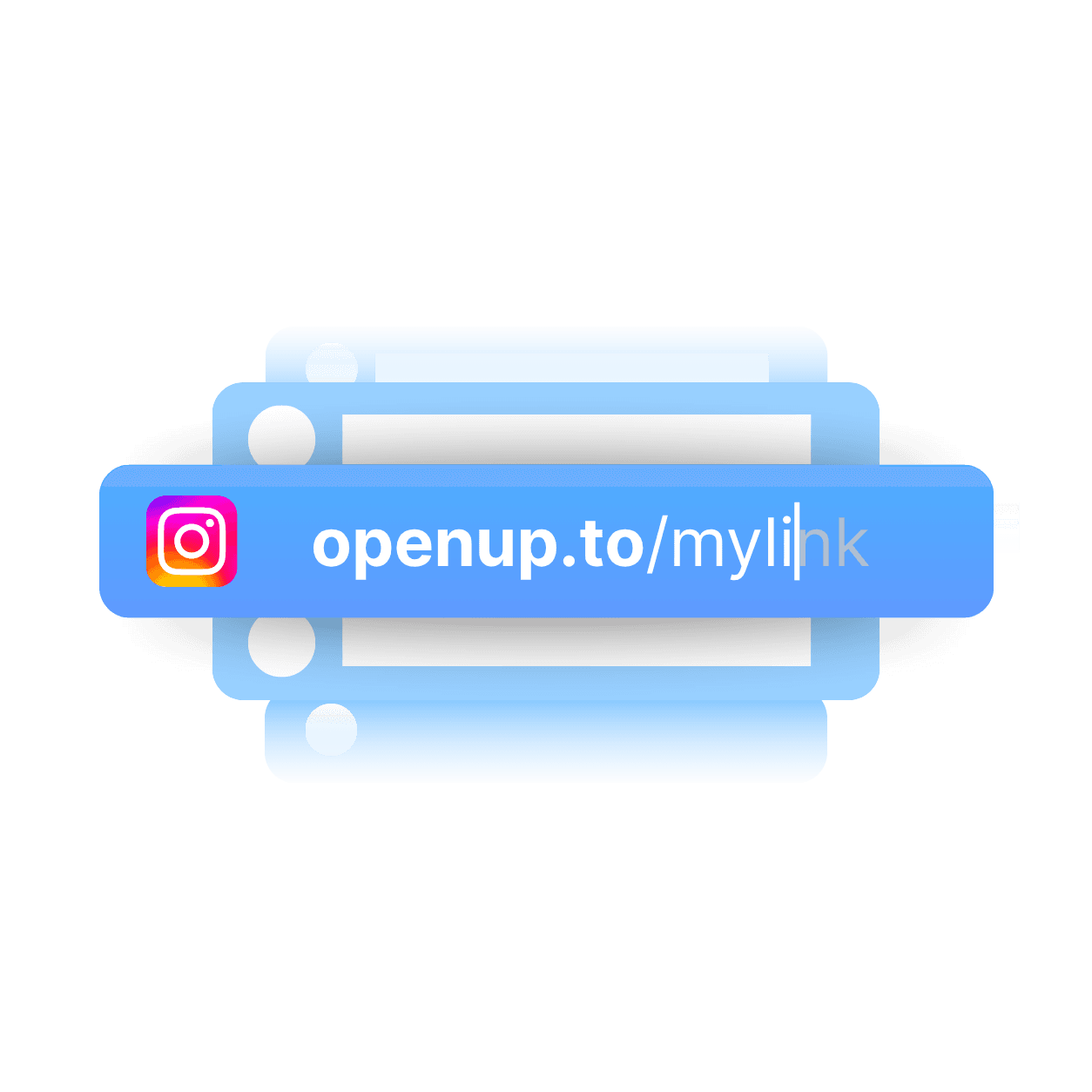
Customizing the slug
Create unique, short, and memorable connections by customizing each slug.
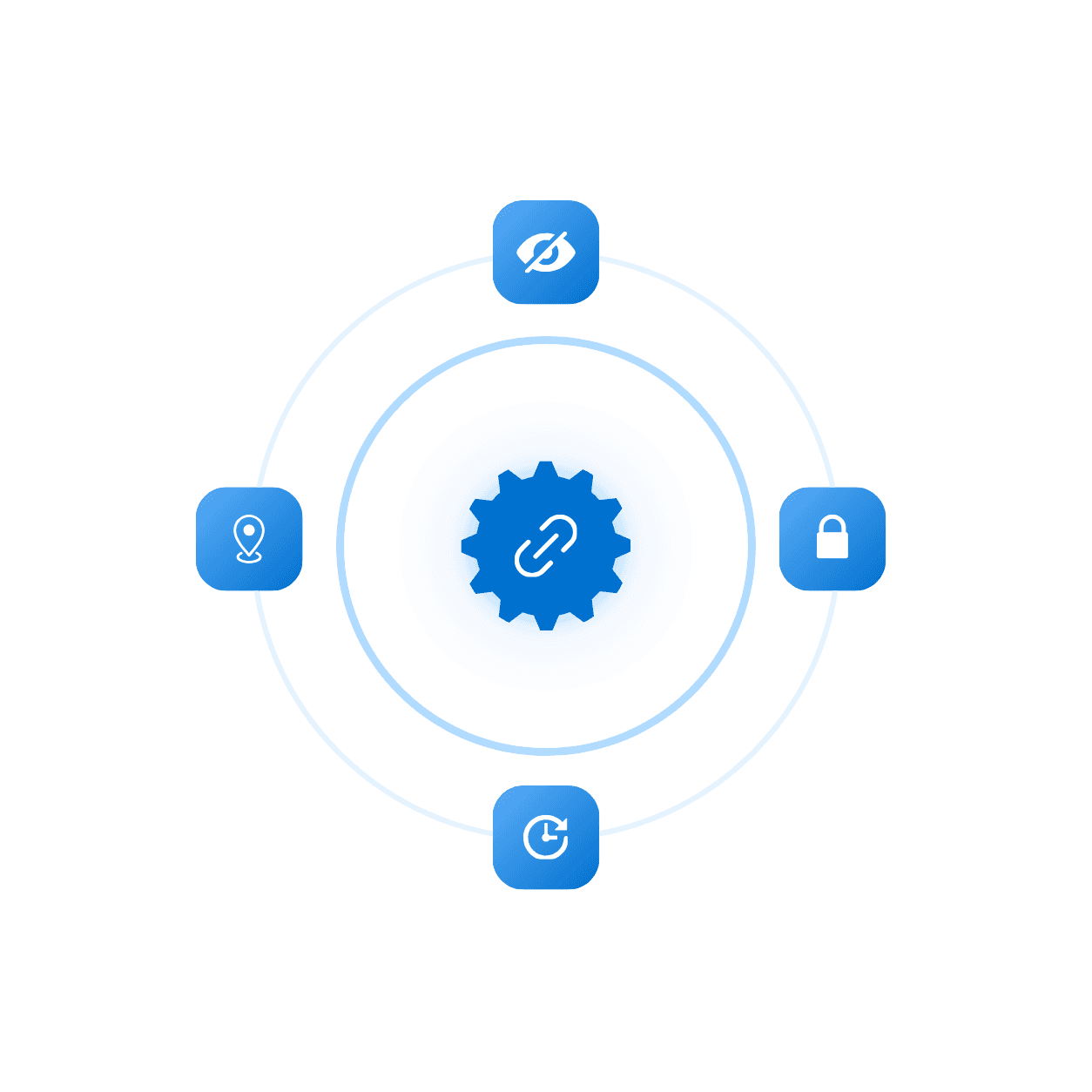
Advanced setting
Add expiration, limit clicks, or password to protect your links and more.
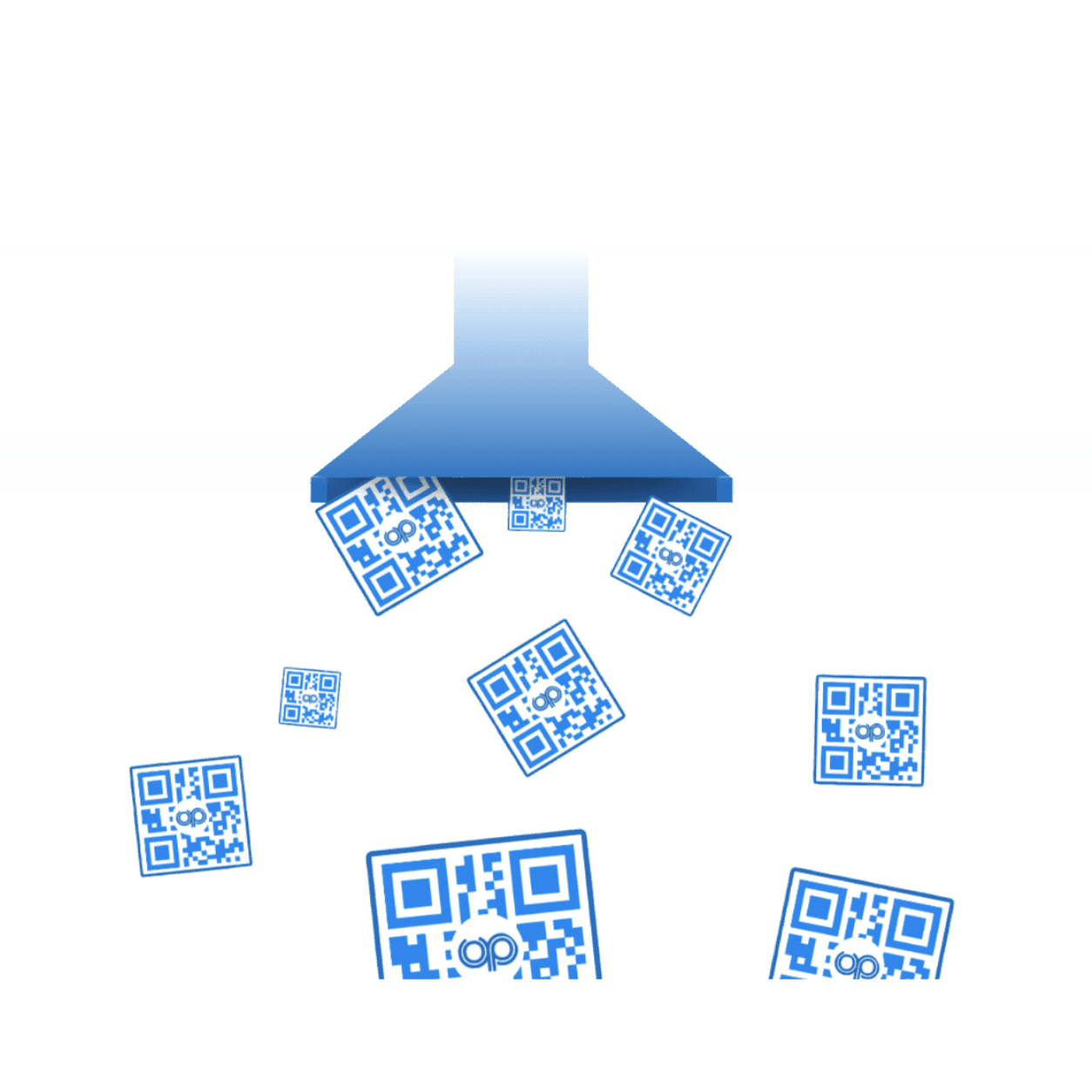
QR Code
Generate a unique QR code that sends people straight to your link.
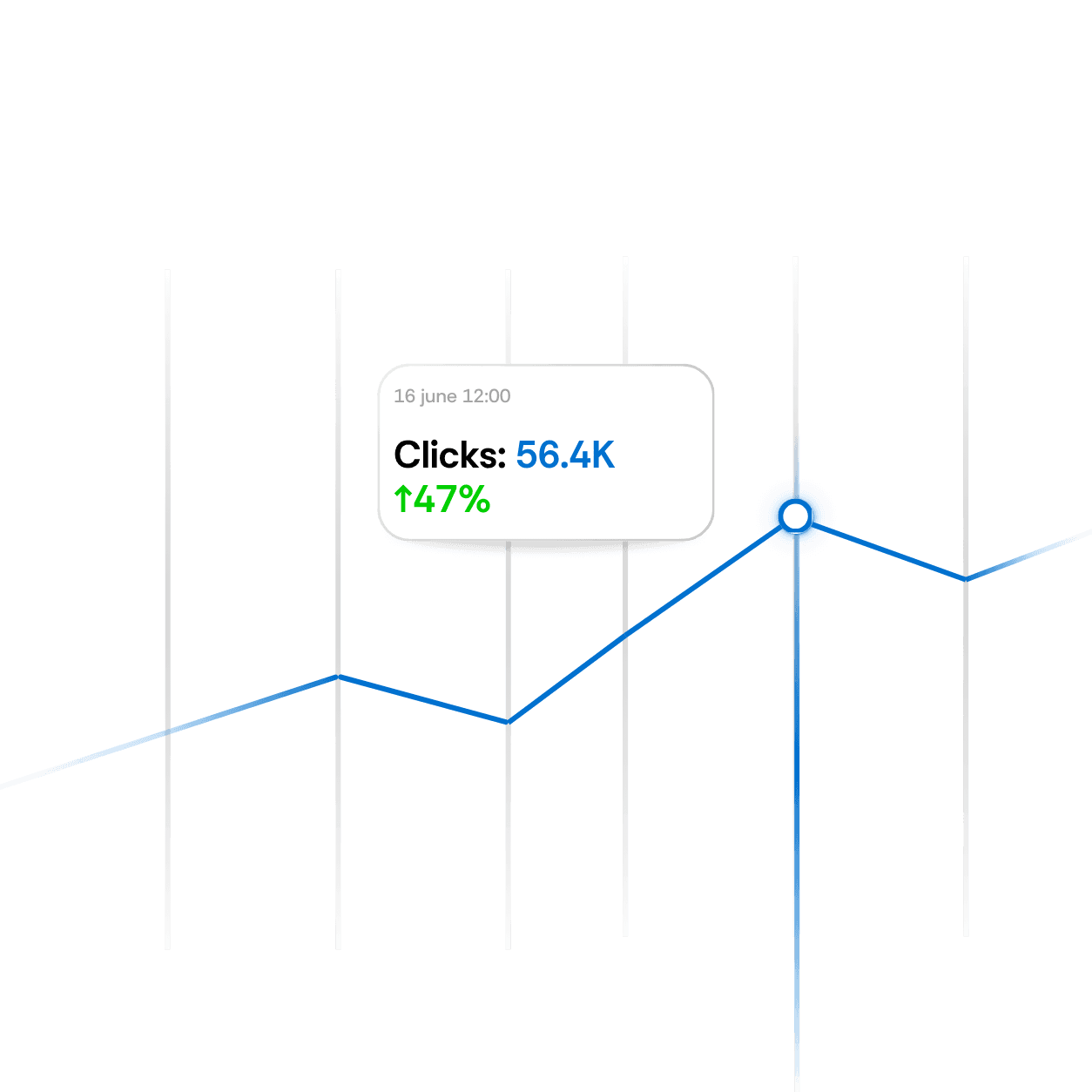
Live analytics
View real-time analytics for every link to measure performance instantly.
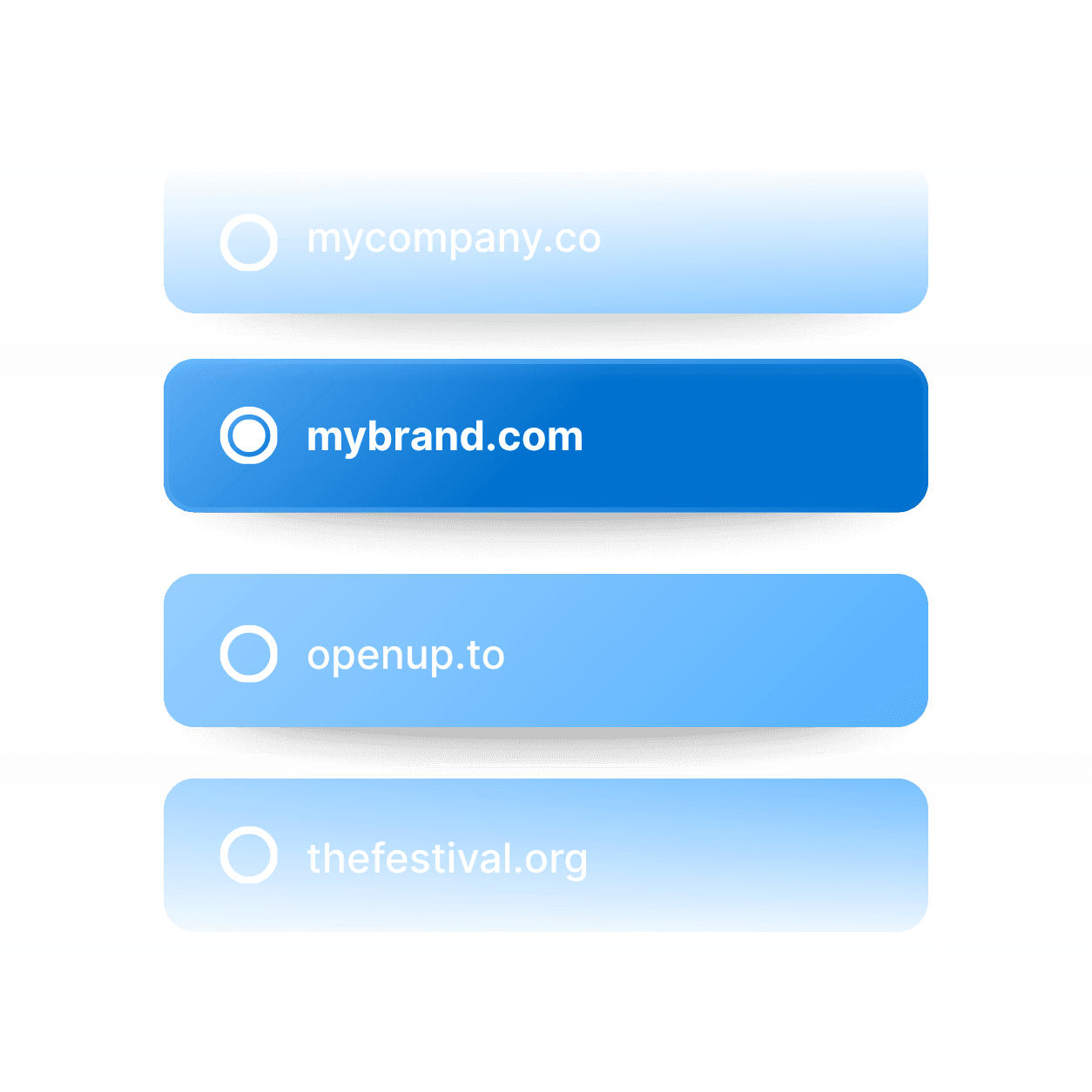
Domain Name
Connect your custom domain to every link for a fully branded experience.
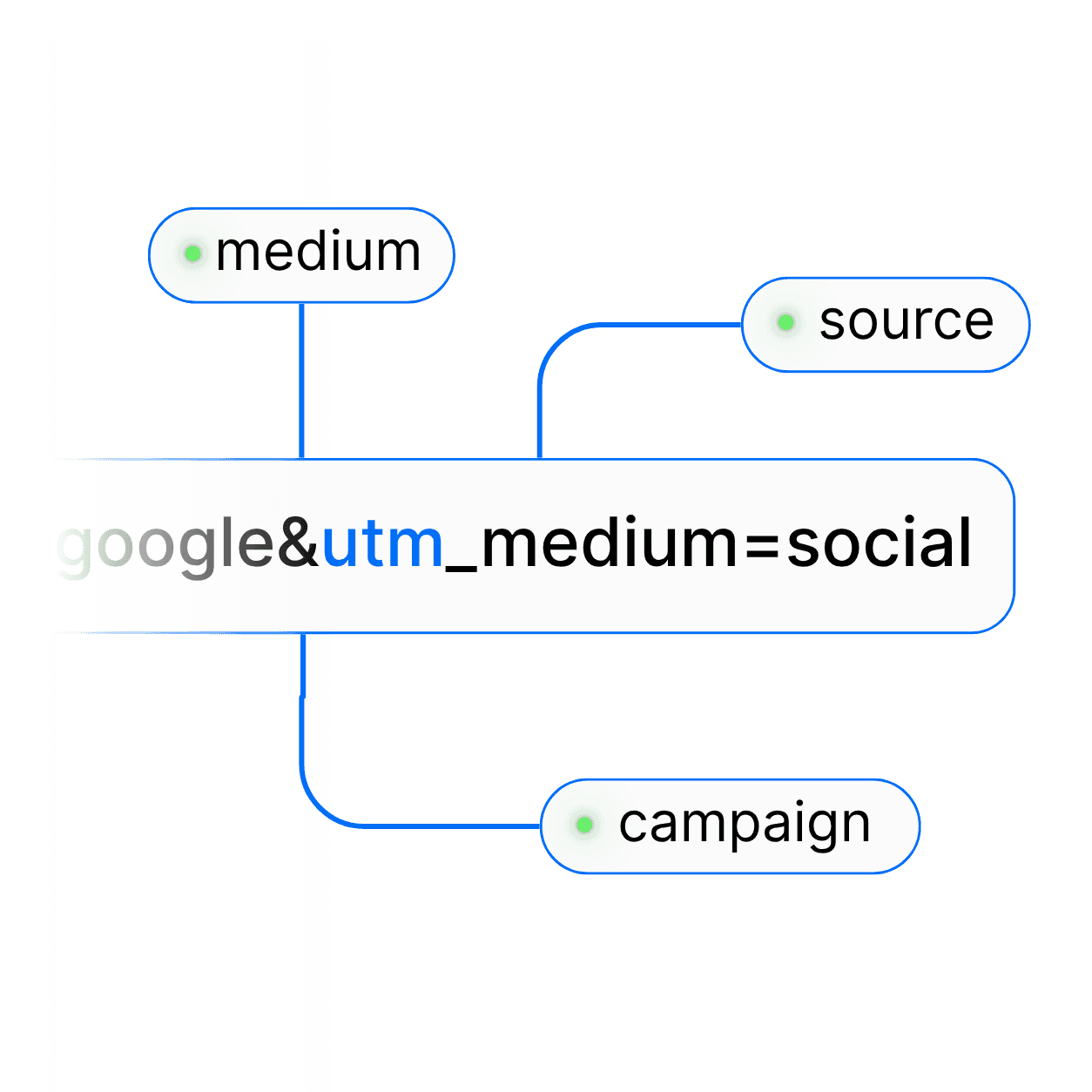
UTM parameter
Easily add UTM parameters to every link to track campaign performance.
Customizing the slug
Create unique, short, and memorable connections by customizing each slug.
Advanced setting
Add expiration, limit clicks, or password to protect your links and more.
Domain Name
Connect your custom domain to every link for a fully branded experience.
UTM parameter
Easily add UTM parameters to every link to track campaign performance.
FAQ's
Common questions with Clear answers
Here are answers to the most common things people ask before getting started.
FAQ's
Common questions with Clear answers
Here are answers to the most common things people ask before getting started.
FAQ's
Common questions with Clear answers
Here are answers to the most common things people ask before getting started.
Is bypassing the Instagram in-app browser allowed?
Yes! Apple and Google publish standard mechanisms (Universal Links and App Links). OpenUp only uses platform-sanctioned methods.
Will my Meta Pixel still fire?
Yes! Once the user is in Safari or Chrome, your pixel fires normally.
Does it work for Stories link stickers?
Yes. Paste your OpenUp link in a Stories link sticker. When a follower taps it, the destination opens in its app or in Safari or Chrome instead of the Instagram browser.
Does OpenUp work for Instagram bio links?
Yes! It’s one of the most common uses. Followers tapping your OpenUp bio link exit the Instagram in-app browser and land in Safari, Chrome, or directly inside the destination app.
What happens if my visitor doesn’t have the app installed?
OpenUp falls back gracefully to the web version in Safari or Chrome and optionally to the App Store / Play Store if you want to drive installs.
Is bypassing the Instagram in-app browser allowed?
Yes! Apple and Google publish standard mechanisms (Universal Links and App Links). OpenUp only uses platform-sanctioned methods.
Will my Meta Pixel still fire?
Yes! Once the user is in Safari or Chrome, your pixel fires normally.
Does it work for Stories link stickers?
Yes. Paste your OpenUp link in a Stories link sticker. When a follower taps it, the destination opens in its app or in Safari or Chrome instead of the Instagram browser.
Does OpenUp work for Instagram bio links?
Yes! It’s one of the most common uses. Followers tapping your OpenUp bio link exit the Instagram in-app browser and land in Safari, Chrome, or directly inside the destination app.
What happens if my visitor doesn’t have the app installed?
OpenUp falls back gracefully to the web version in Safari or Chrome and optionally to the App Store / Play Store if you want to drive installs.
What do you want to create?

Deep links




What do you want to create?
Deep links
What do you want to create?
Deep links