


The #1 TikTok Fix
Bypass the TikTok in app browser
Bypass the TikTok in app browser
TikTok forces every link into its own in-app browser, where logins, autofill and Apple Pay break. Here's how to open any link in your real browser and how OpenUp does it for your audience automatically.
No credit card required
Work with your favourite app
Work with your favourite app






The TikTok link trap?
OpenUp is a deeplink generator that converts any URL into a smart link that opens directly inside the native YouTube, Spotify, Amazon, Apple Music, Instagram or TikTok app and bypasses the Instagram, TikTok and Facebook in-app browsers by redirecting to Safari or Chrome.
The TikTok link trap?
OpenUp is a deeplink generator that converts any URL into a smart link that opens directly inside the native YouTube, Spotify, Amazon, Apple Music, Instagram or TikTok app and bypasses the Instagram, TikTok and Facebook in-app browsers by redirecting to Safari or Chrome.
The TikTok link trap?
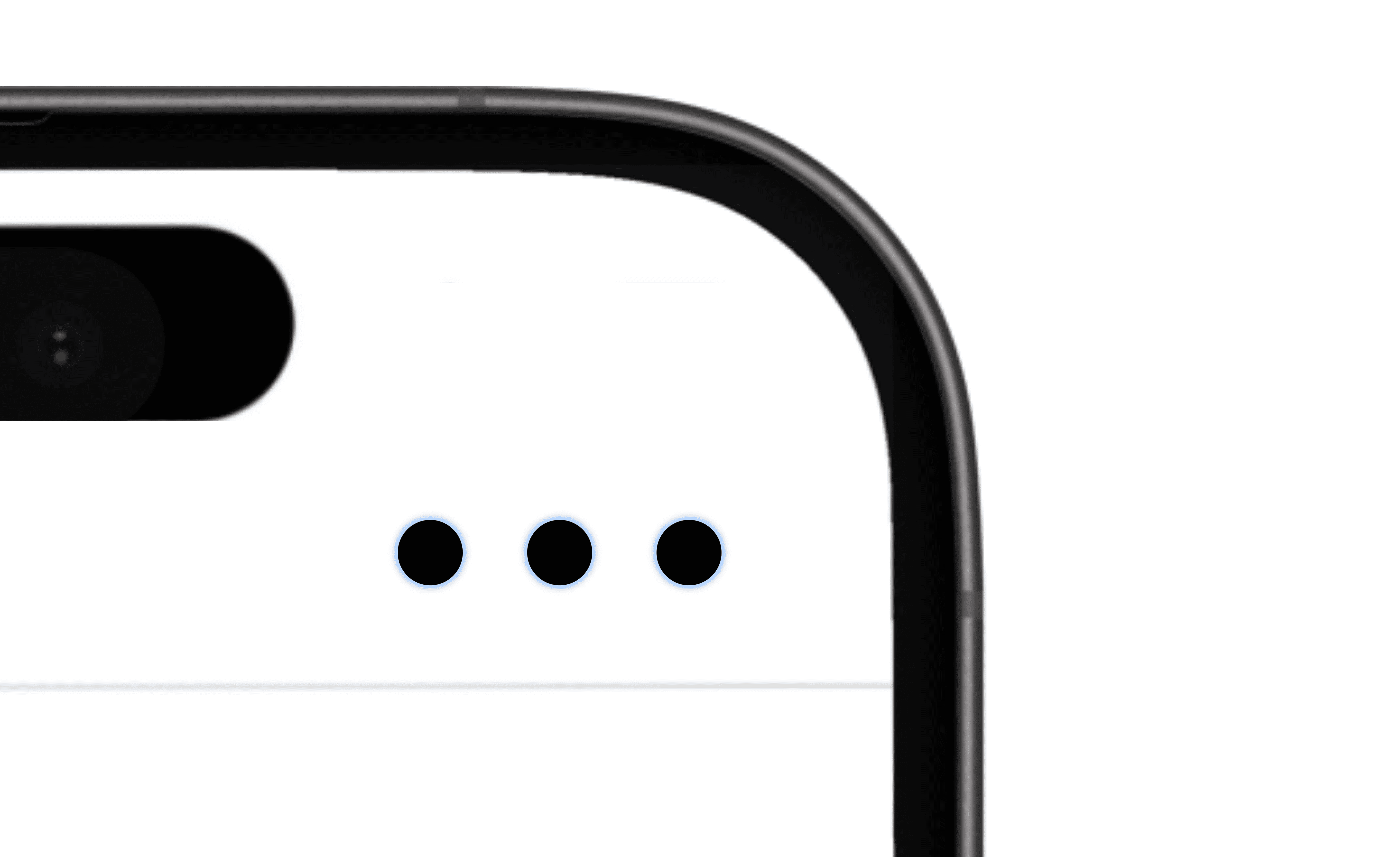
TikTok opens links inside its own in-app browser, which strips saved logins, autofill, Apple Pay and analytics. To open a TikTok link in your real browser manually: tap the three dots (top-right) and choose "Open in Browser." But your followers won't do that so OpenUp shows them a clean instruction page that walks them out of TikTok in one tap, recovering the conversions you'd otherwise lose.
Problem
How to open a TikTok link in your browser
Three steps, under 30 seconds.
Problem
How to open a TikTok link in your browser
Three steps, under 30 seconds.
Problem
How to open a TikTok link in your browser
Three steps, under 30 seconds.
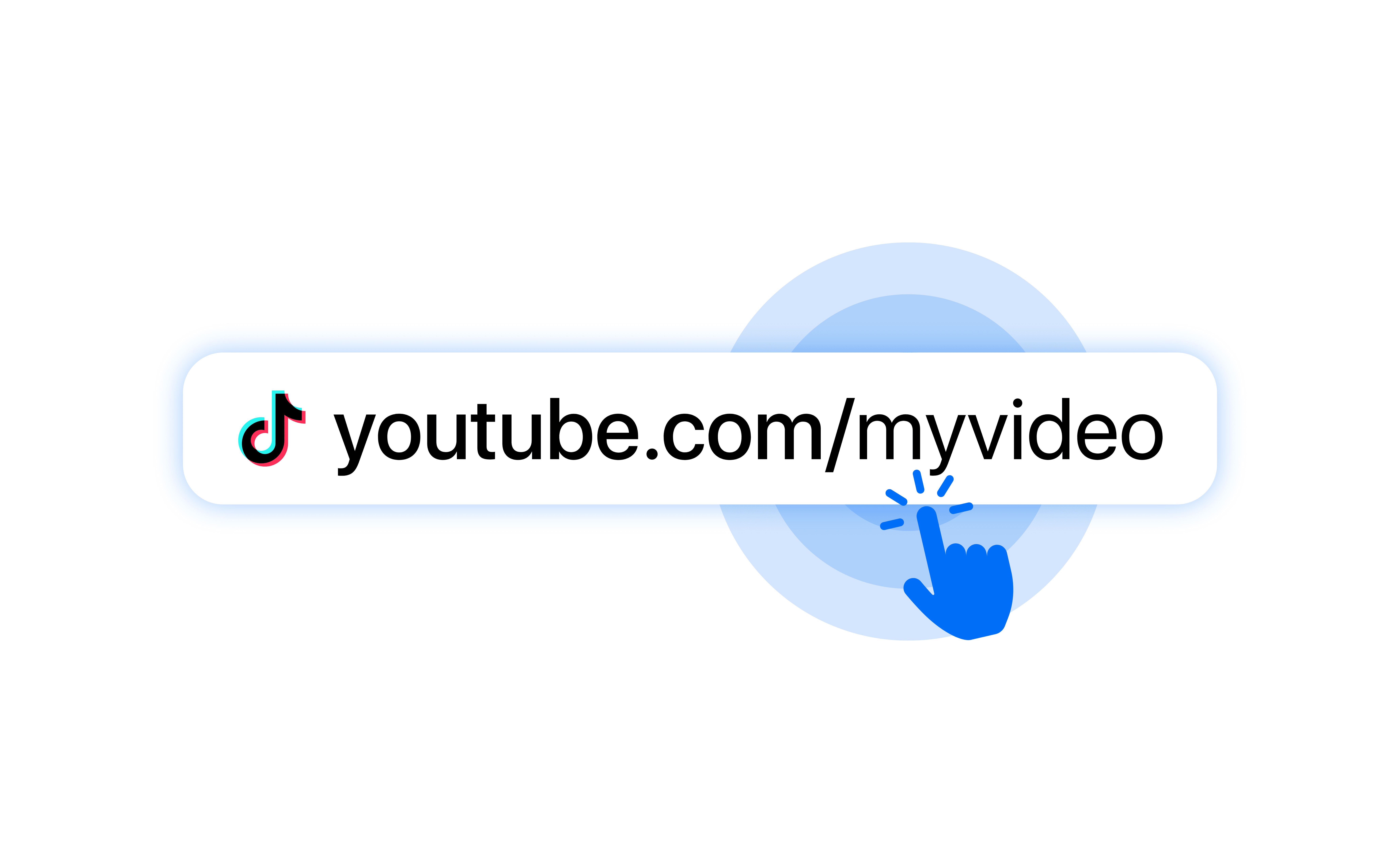
1. Tap the link in TikTok
It opens in the in-app browser.
2. Tap the three dots (•••)
In the top-right corner.
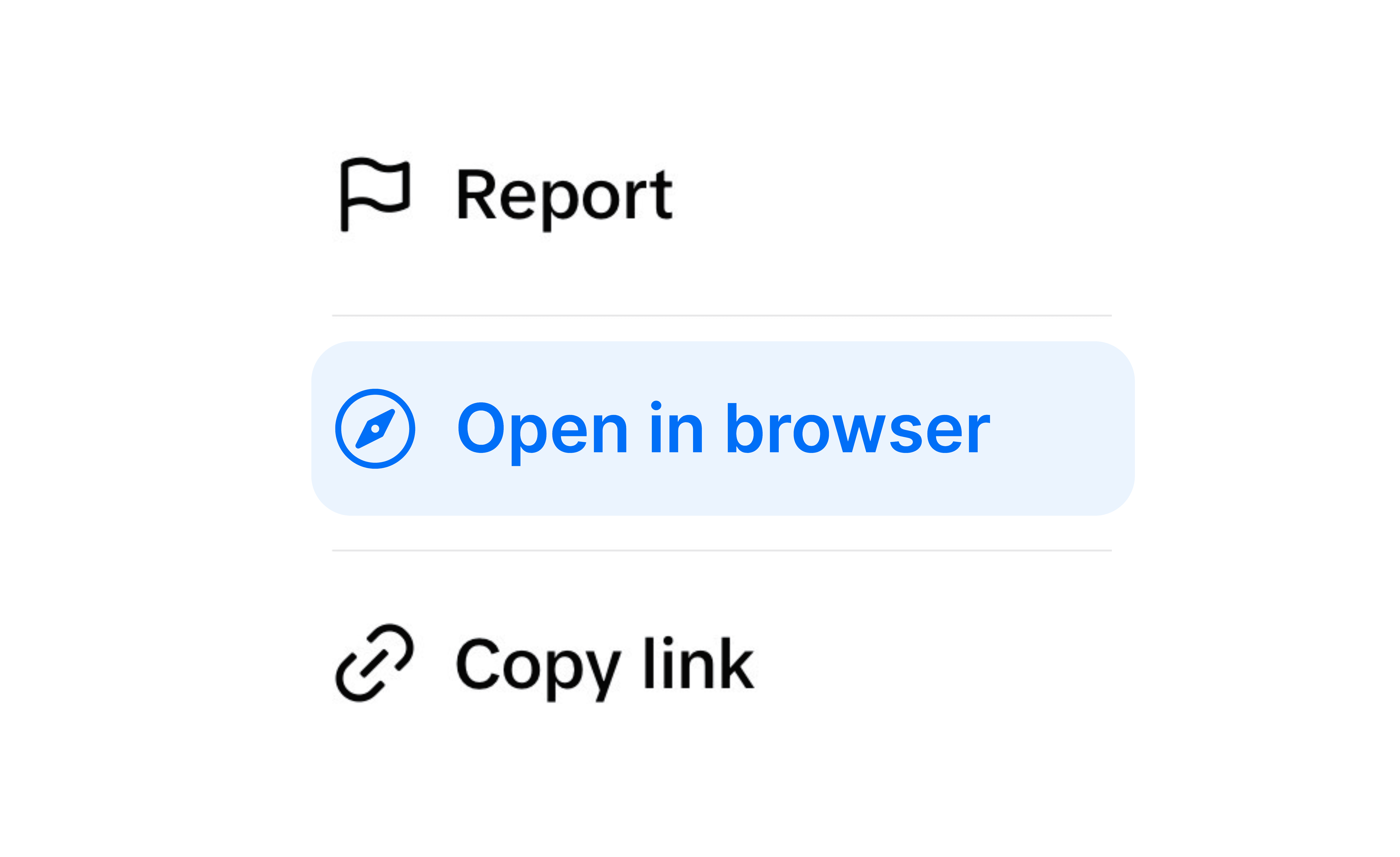
Tap "Open in Browser"
iOS opens Safari, Android opens Chrome.
That’s it for you. The problem? Most of your audience will never do this. They tap, see a broken page, and leave.
Solutions
Solution
How OpenUp fixes this for your whole audience?
How OpenUp fixes this for your whole audience?
When someone taps your OpenUp link inside TikTok, OpenUp detects the in-app browser and shows an instruction page that guides them out in one tap or routes them straight into the destination app. You stop losing the followers who'd otherwise bounce.
When someone taps your OpenUp link inside TikTok, OpenUp detects the in-app browser and shows an instruction page that guides them out in one tap or routes them straight into the destination app. You stop losing the followers who'd otherwise bounce.
OpenUp maximizes the escape rate with the instruction page. This is the cleanest workaround available.
Features
Take full control of your links
From custom domains to QR Code, we give you the power to optimize your conversions.
Features
Take full control of your links
From custom domains to QR Code, we give you the power to optimize your conversions.
Features
Take full control of your links
From custom domains to QR Code, we give you the power to optimize your conversions.
Customizing the slug
Create unique, short, and memorable connections by customizing each slug.
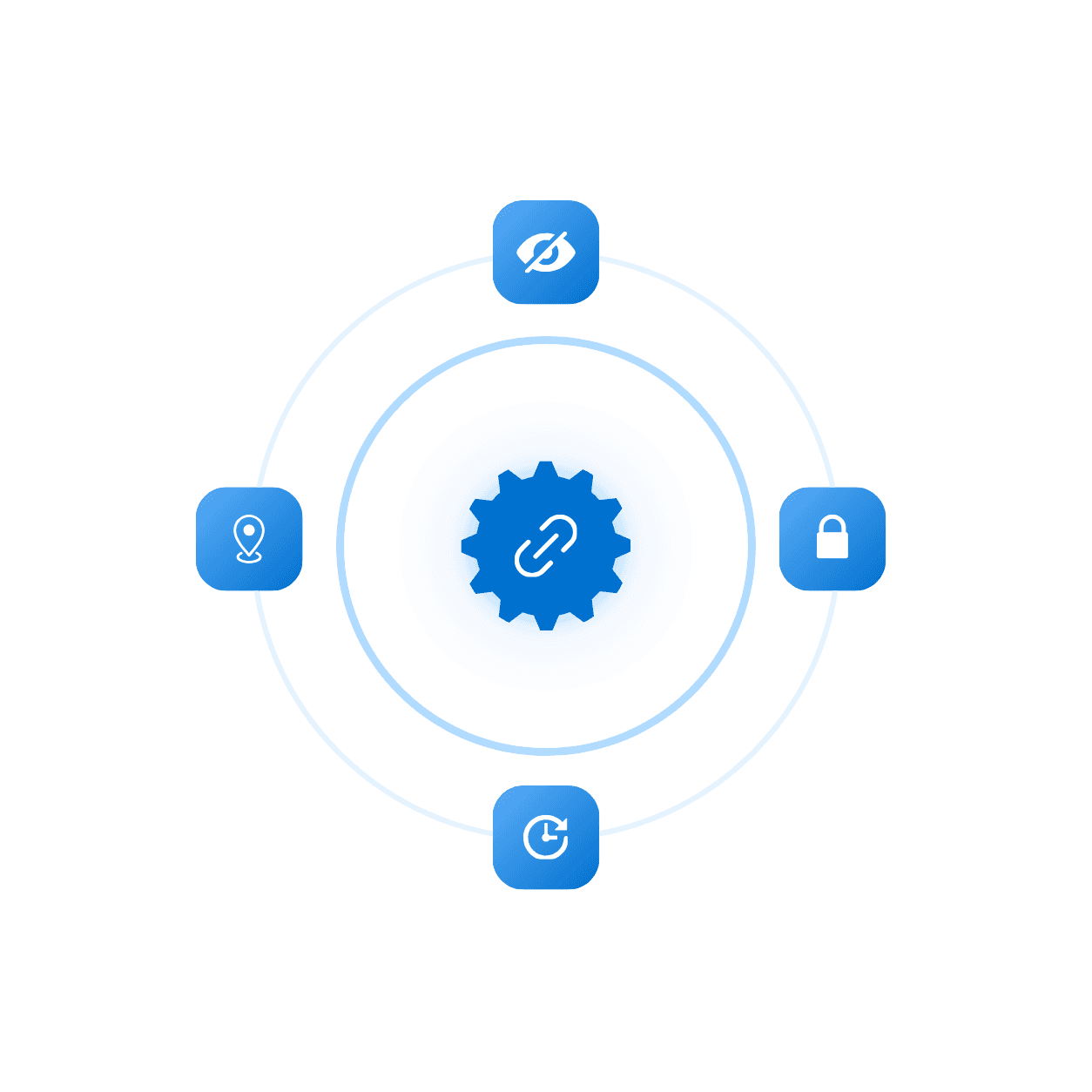
Advanced setting
Add expiration, limit clicks, or password to protect your links and more.
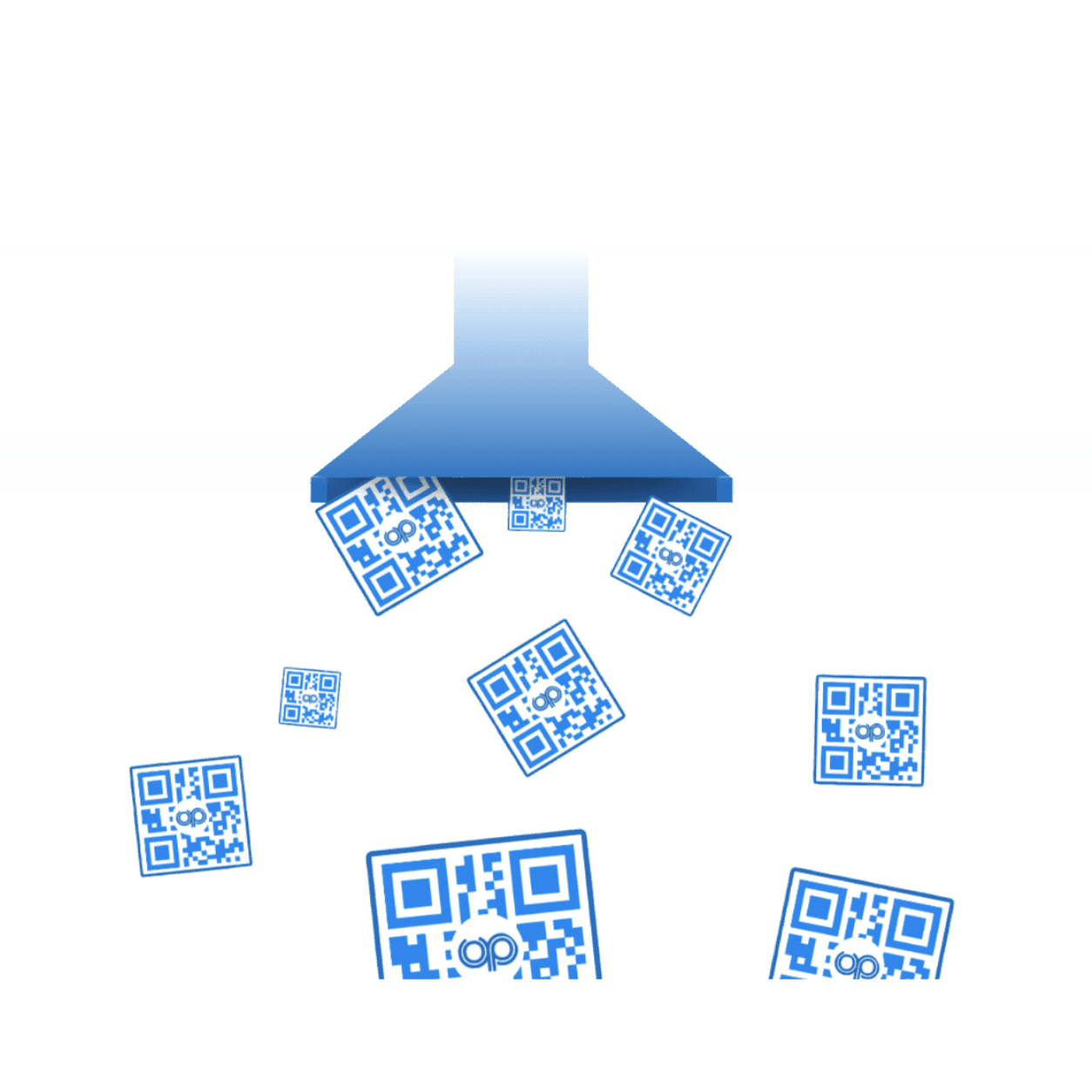
QR Code
Generate a unique QR code that sends people straight to your link.
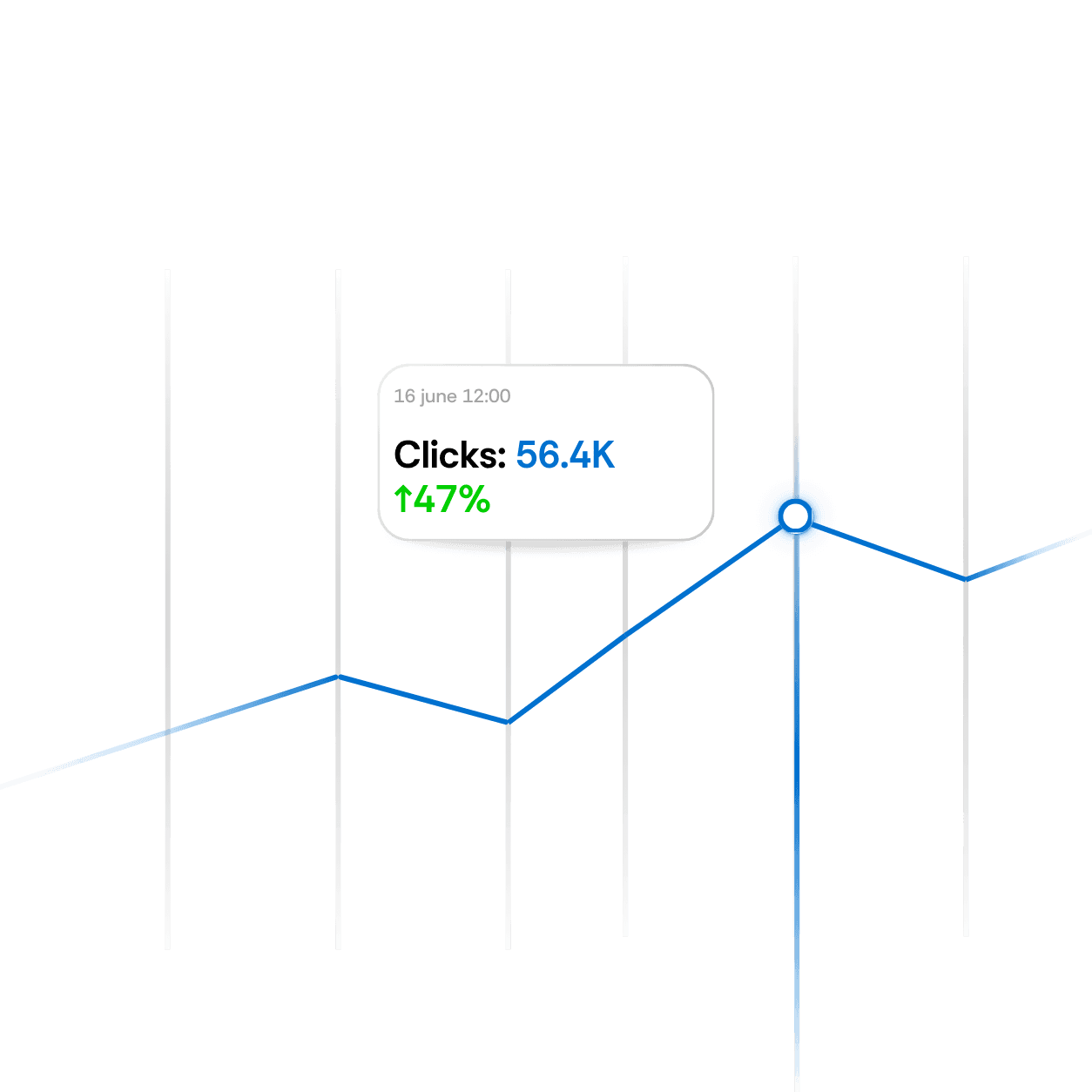
Live analytics
View real-time analytics for every link to measure performance instantly.
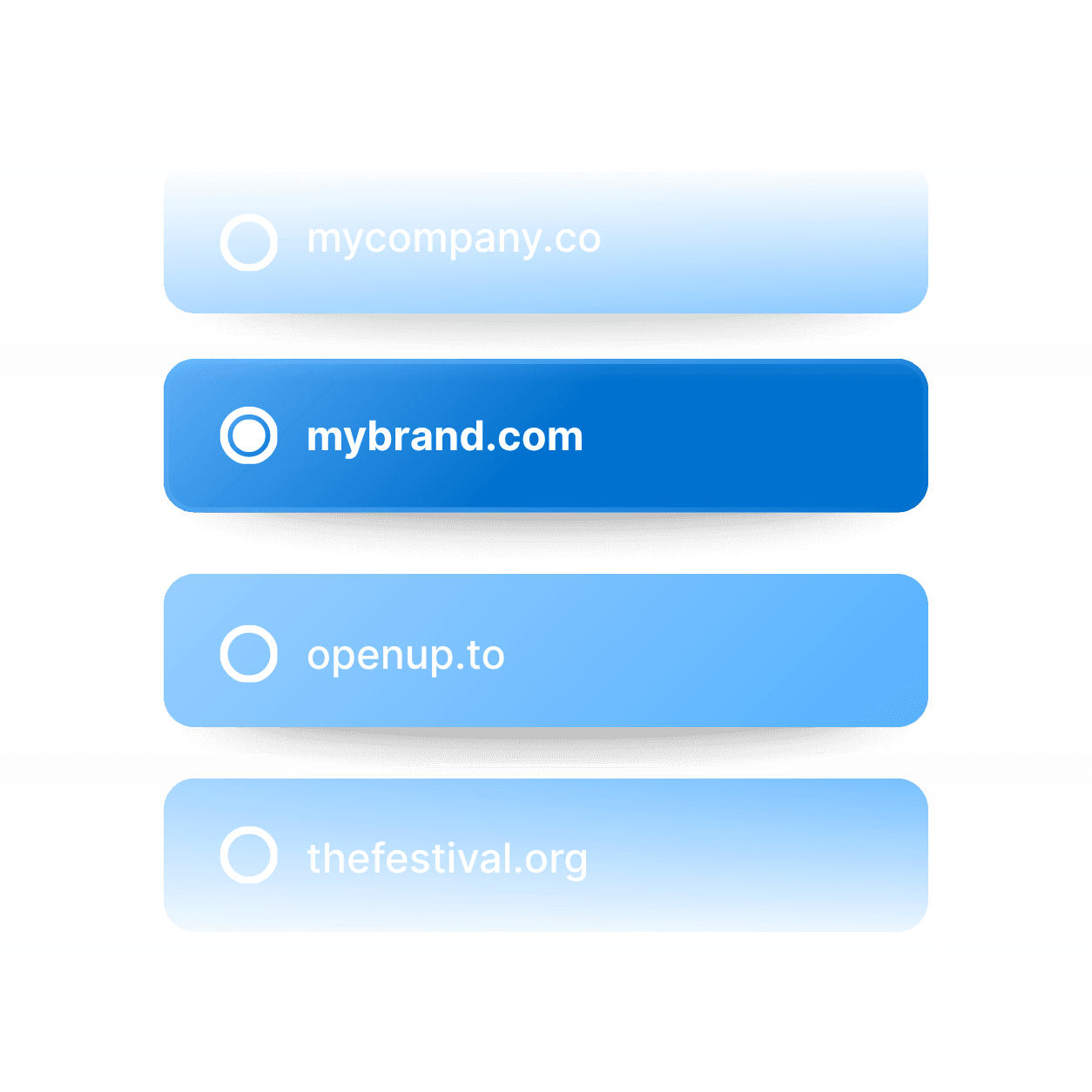
Domain Name
Connect your custom domain to every link for a fully branded experience.
UTM parameter
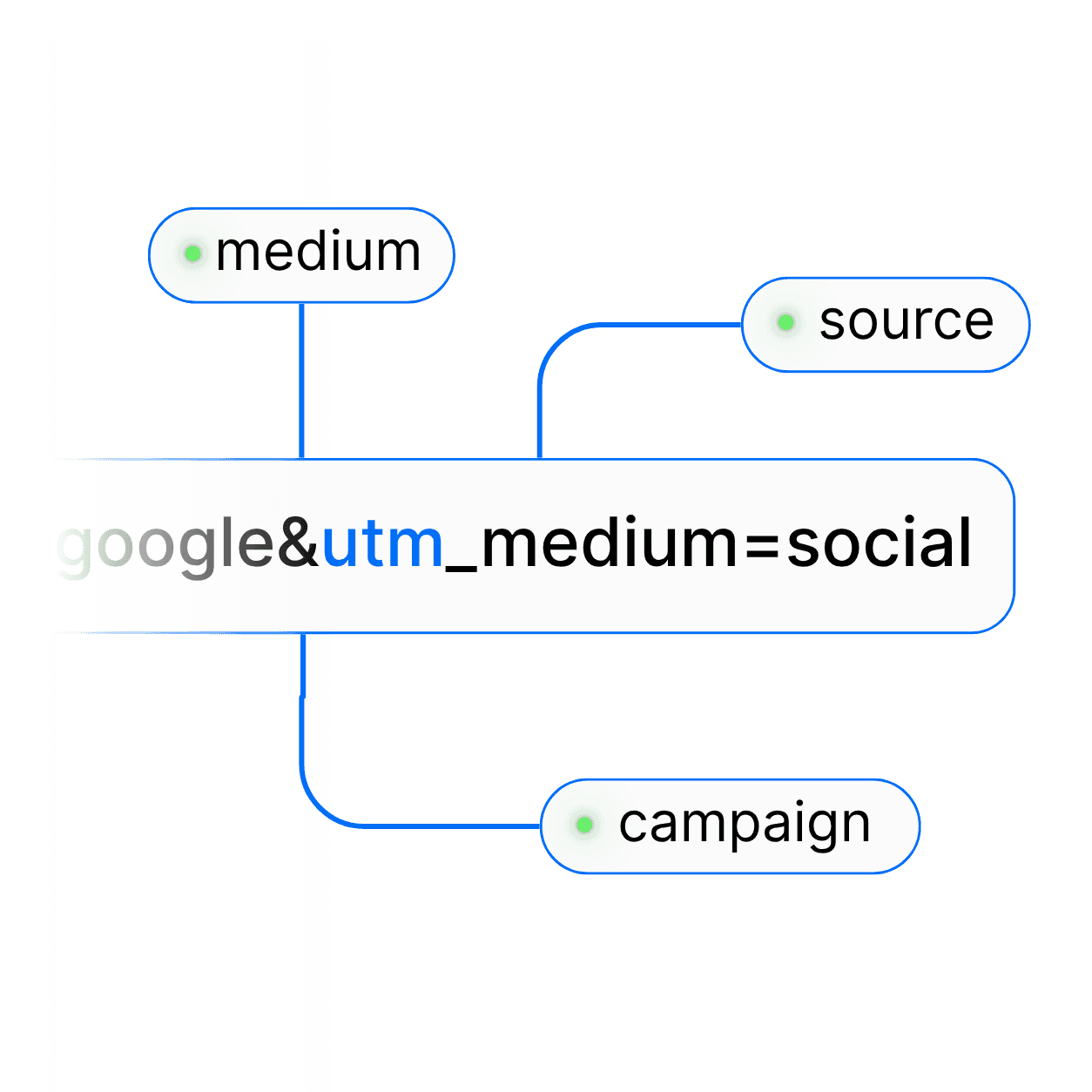
Easily add UTM parameters to every link to track campaign performance.
Customizing the slug
Create unique, short, and memorable connections by customizing each slug.
Advanced setting
Add expiration, limit clicks, or password to protect your links and more.
Domain Name
Connect your custom domain to every link for a fully branded experience.
UTM parameter
Easily add UTM parameters to every link to track campaign performance.
FAQ's
Common questions with Clear answers
Here are answers to the most common things people ask before getting started.
FAQ's
Common questions with Clear answers
Here are answers to the most common things people ask before getting started.
FAQ's
Common questions with Clear answers
Here are answers to the most common things people ask before getting started.
Why does TikTok use an in-app browser at all?
To keep users inside the app and capture engagement data. It's a business decision by TikTok, not a technical necessity.
Is there a setting to disable TikTok's in-app browser?
No reliable, permanent in-app setting exists across versions, which is why OpenUp's guided handoff page is the practical fix.
Will my Meta or TikTok pixel fire after the redirect?
Yes, once the user reaches Safari or Chrome, your pixel fires normally on your landing page.
Does this work for TikTok Shop links?
Yes for external destinations you control (your Shopify, Amazon, brand site).
Will my followers find the instruction page confusing?
No! It's a single, branded, one-tap screen, far clearer than hunting for the 3-dot menu.
Is it free?
Yes! The Free plan includes this.
Why does TikTok use an in-app browser at all?
To keep users inside the app and capture engagement data. It's a business decision by TikTok, not a technical necessity.
Is there a setting to disable TikTok's in-app browser?
No reliable, permanent in-app setting exists across versions, which is why OpenUp's guided handoff page is the practical fix.
Will my Meta or TikTok pixel fire after the redirect?
Yes, once the user reaches Safari or Chrome, your pixel fires normally on your landing page.
Does this work for TikTok Shop links?
Yes for external destinations you control (your Shopify, Amazon, brand site).
Will my followers find the instruction page confusing?
No! It's a single, branded, one-tap screen, far clearer than hunting for the 3-dot menu.
Is it free?
Yes! The Free plan includes this.
What do you want to create?

Deep links




What do you want to create?
Deep links
What do you want to create?
Deep links