


The #1 Twitch Fix
Twitch deeplink generator Open links in the Twitch app
Twitch deeplink generator Open links in the Twitch app
Paste your Twitch channel or stream URL and OpenUp creates a deeplink that opens directly inside the Twitch app, so viewers land on your live stream already logged in and ready to follow, sub and chat.
No credit card required
Work with your favourite app
Work with your favourite app





What is OpenUp Twitch deeplink?
OpenUp’s Twitch deeplink generator turns any twitch.tv URL into a smart link that opens inside the Twitch app on iOS and Android. Viewers land directly on your channel or live stream, already logged in, so they can follow, subscribe, use Bits and chat instantly. Shared from Instagram, TikTok or X, a normal Twitch link opens in a logged-out in-app browser and most viewers bounce. OpenUp fixes that. Free plan included. 1,000 clicks per link every month.
What is OpenUp Twitch deeplink?
OpenUp’s Twitch deeplink generator turns any twitch.tv URL into a smart link that opens inside the Twitch app on iOS and Android. Viewers land directly on your channel or live stream, already logged in, so they can follow, subscribe, use Bits and chat instantly. Shared from Instagram, TikTok or X, a normal Twitch link opens in a logged-out in-app browser and most viewers bounce. OpenUp fixes that. Free plan included. 1,000 clicks per link every month.
What is OpenUp Twitch deeplink?
OpenUp’s Twitch deeplink generator turns any twitch.tv URL into a smart link that opens inside the Twitch app on iOS and Android. Viewers land directly on your channel or live stream, already logged in, so they can follow, subscribe, use Bits and chat instantly. Shared from Instagram, TikTok or X, a normal Twitch link opens in a logged-out in-app browser and most viewers bounce. OpenUp fixes that. Free plan included. 1,000 clicks per link every month.
How
How to create a YouTube deeplink with OpenUp
Three steps, under 30 seconds.
How
How to create a YouTube deeplink with OpenUp
Three steps, under 30 seconds.
How
How to create a YouTube deeplink with OpenUp
Three steps, under 30 seconds.
Copy your Twitch
Your channel, stream, clip or category URL.
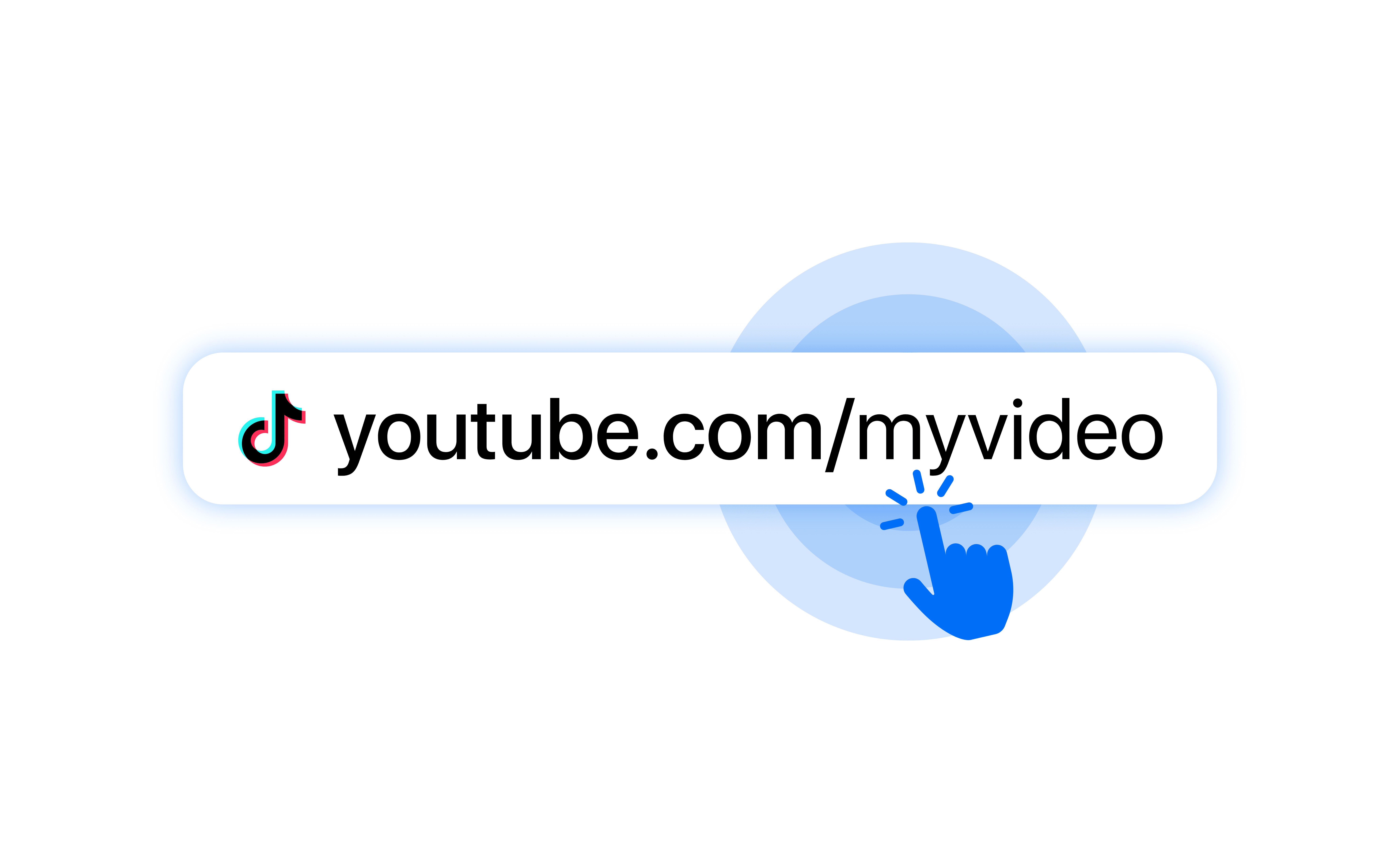
Paste it into OpenUp
OpenUp builds the perfect deeplink that works seamlessly on iOS and Android.
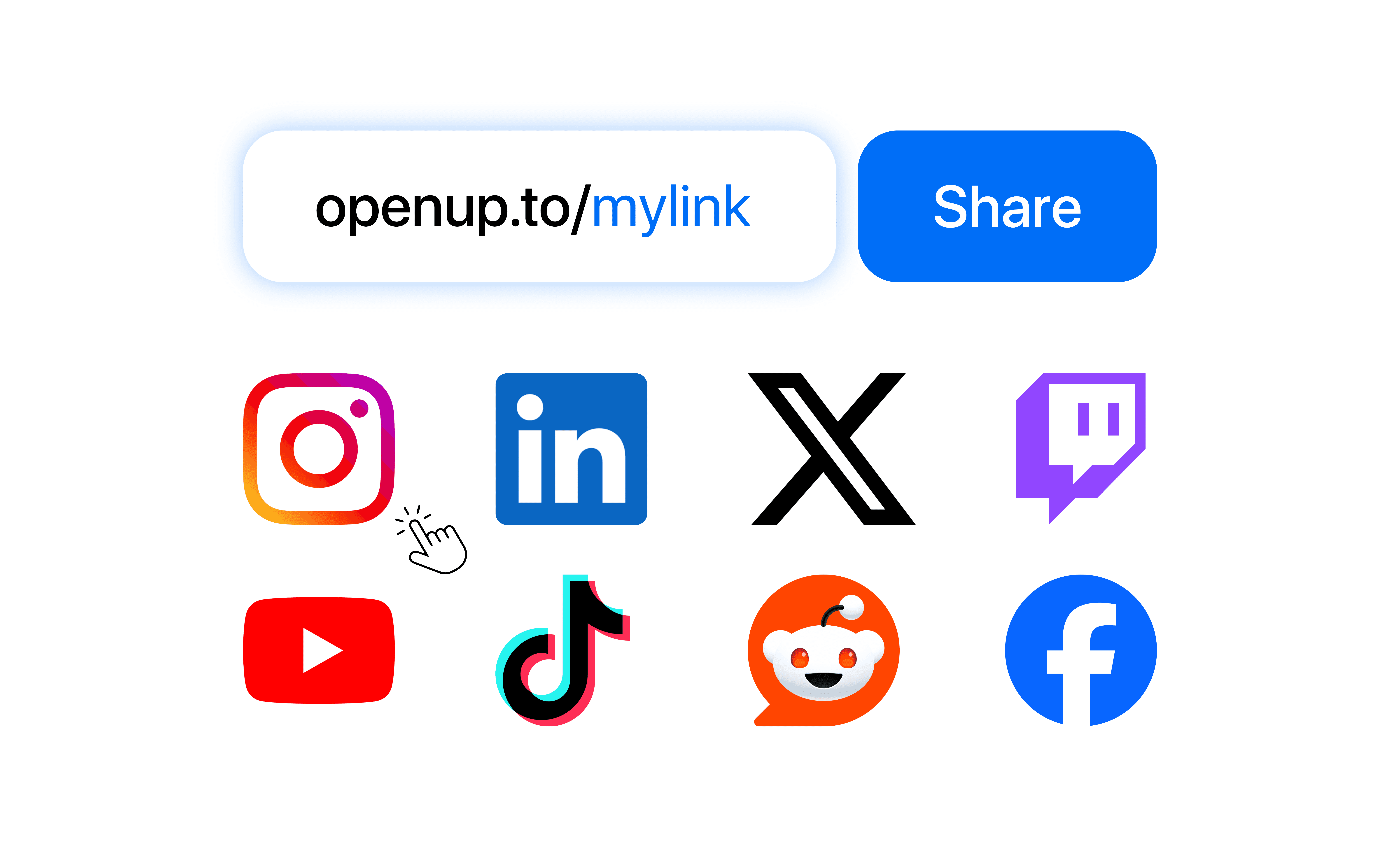
Share the short link
Share the OpenUp link or its QR code anywhere.
Solutions
Solution
Why won’t my Twitch link open in the Twitch app from social?
Why won’t my Twitch link open in the Twitch app from social?
Why won’t my Twitch link open in the Twitch app from social?
Because Instagram, TikTok and Facebook open links in their in-app browser, not the Twitch app. Your viewer sees a logged-out web player: no follow button that remembers them, no easy sub, no chat, often lower video quality. The drop-off is brutal when you are trying to convert a social follower into a live viewer. OpenUp opens the Twitch app directly so none of that is lost.
Because Instagram, TikTok and Facebook open links in their in-app browser, not the Twitch app. Your viewer sees a logged-out web player: no follow button that remembers them, no easy sub, no chat, often lower video quality. The drop-off is brutal when you are trying to convert a social follower into a live viewer. OpenUp opens the Twitch app directly so none of that is lost.
OpenUp maximizes the escape rate. This is the cleanest workaround available.
Who
What Twitch content can I deeplink?
Stop losing views to slow in-app browsers.
Who
What Twitch content can I deeplink?
Stop losing views to slow in-app browsers.
Who
What Twitch content can I deeplink?
Stop losing views to slow in-app browsers.
Your channel
Get more followers on your profile.
Real-Time Tracking
Get more followers on your profile.
Your live stream
Instant access to your live chat.
Real-Time Tracking
Instant access to your live chat.
Past broadcasts
Let fans catch up on VODs on Twitch.
Real-Time Tracking
Let fans catch up on VODs on Twitch.
Clips
Open viral highlights directly in app.
Features
Take full control of your links
From custom domains to QR Code, we give you the power to optimize your conversions.
Features
Take full control of your links
From custom domains to QR Code, we give you the power to optimize your conversions.
Features
Take full control of your links
From custom domains to QR Code, we give you the power to optimize your conversions.
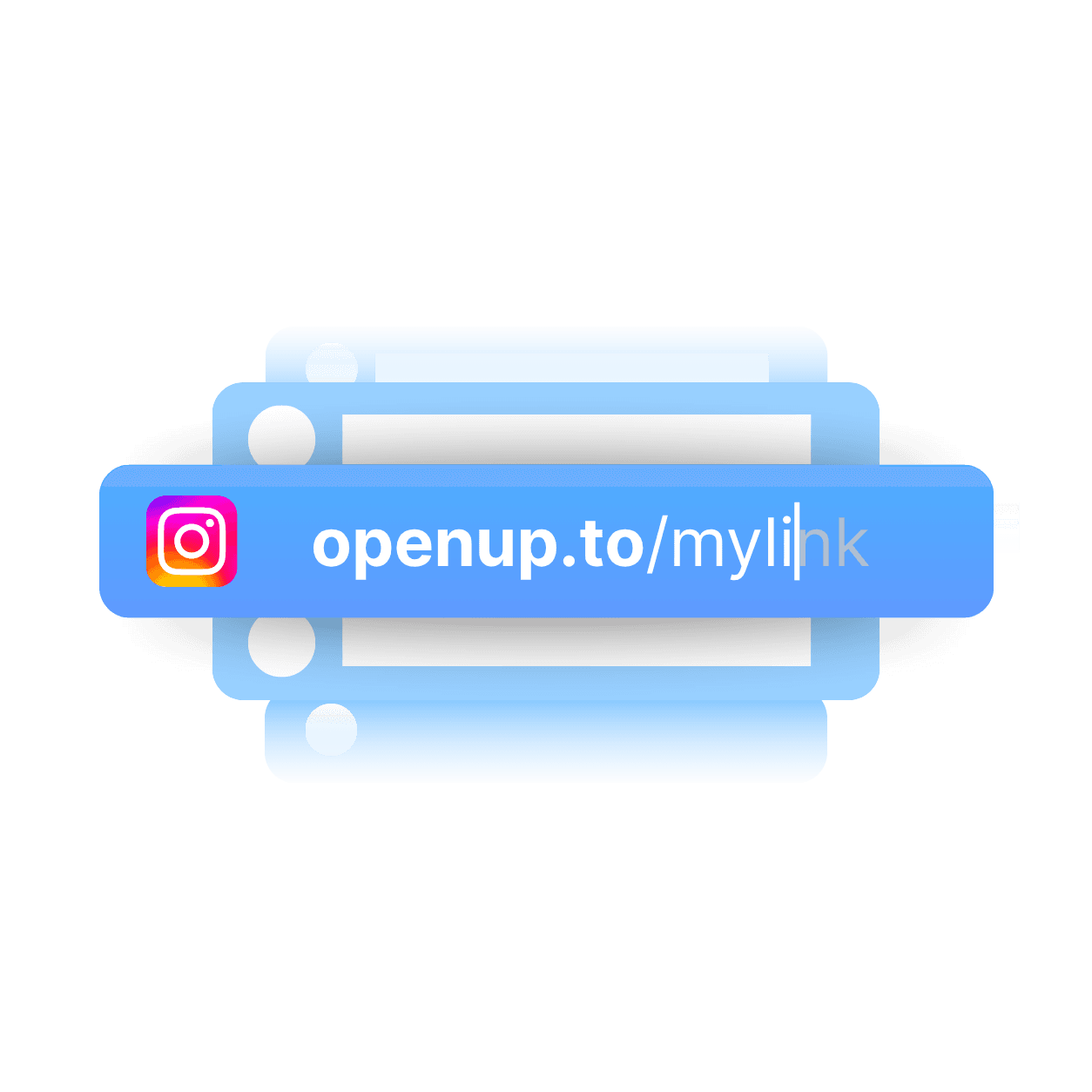
Customizing the slug
Create unique, short, and memorable connections by customizing each slug.
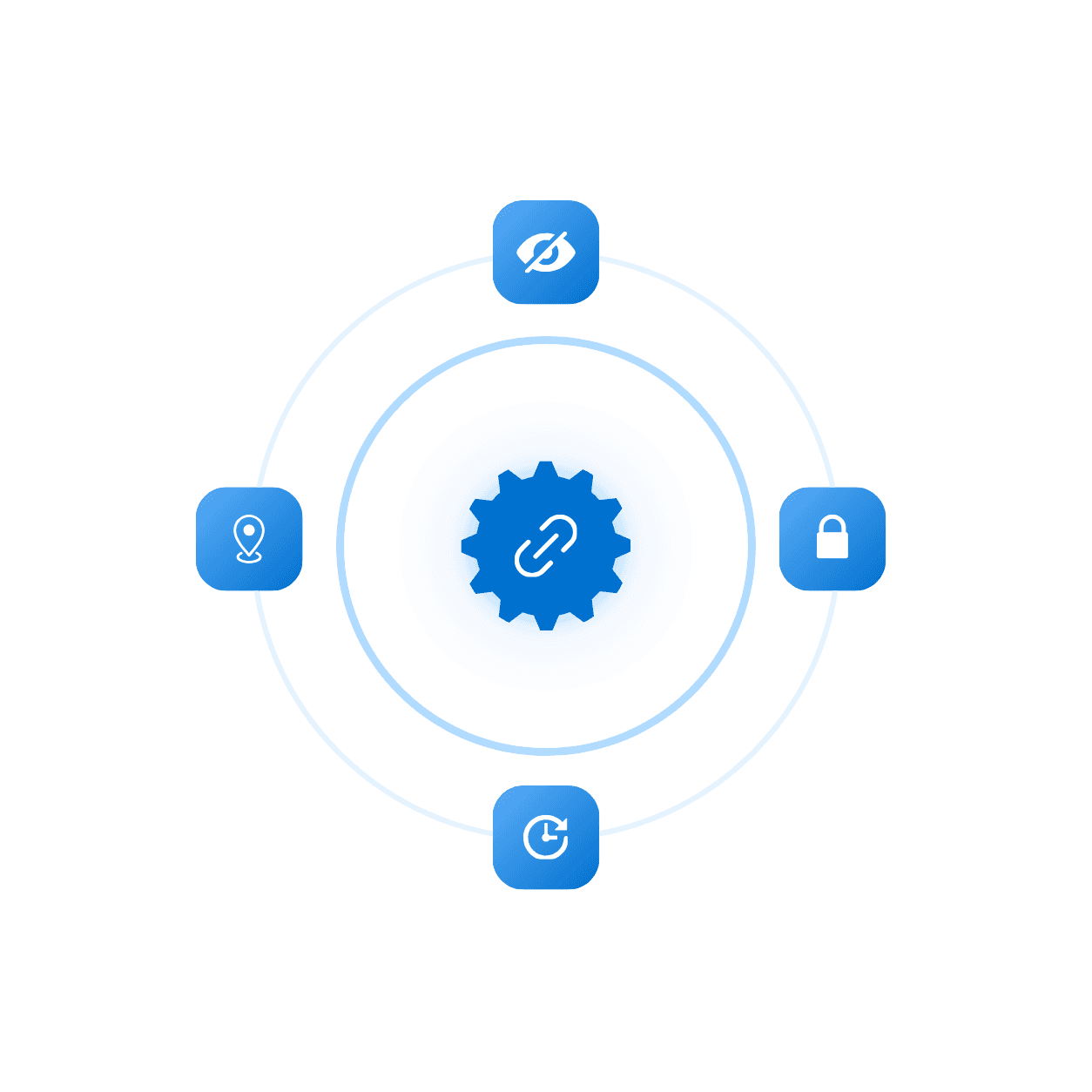
Advanced setting
Add expiration, limit clicks, or password to protect your links and more.
QR Code
Generate a unique QR code that sends people straight to your link.

Live analytics
View real-time analytics for every link to measure performance instantly.

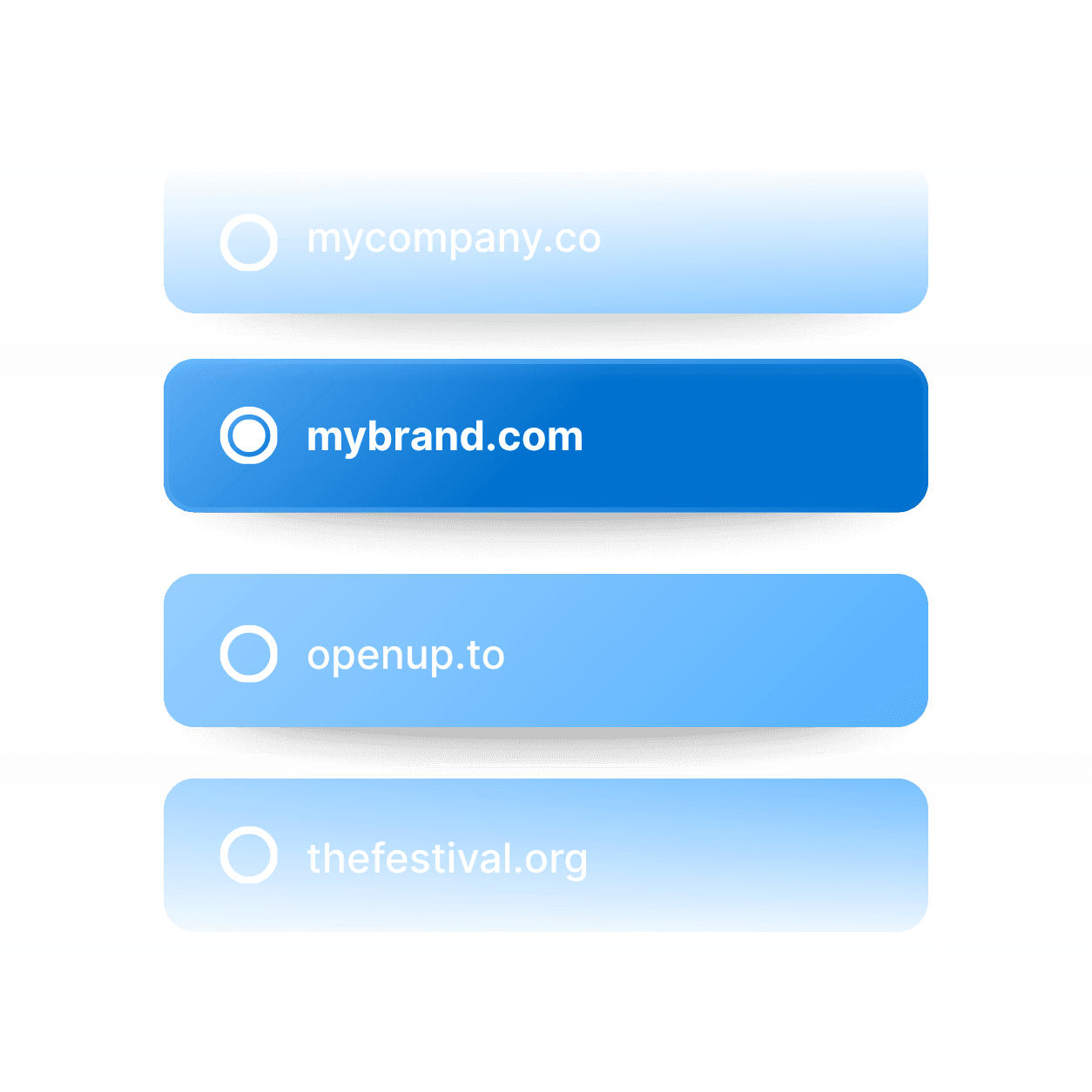
Domain Name
Connect your custom domain to every link for a fully branded experience.
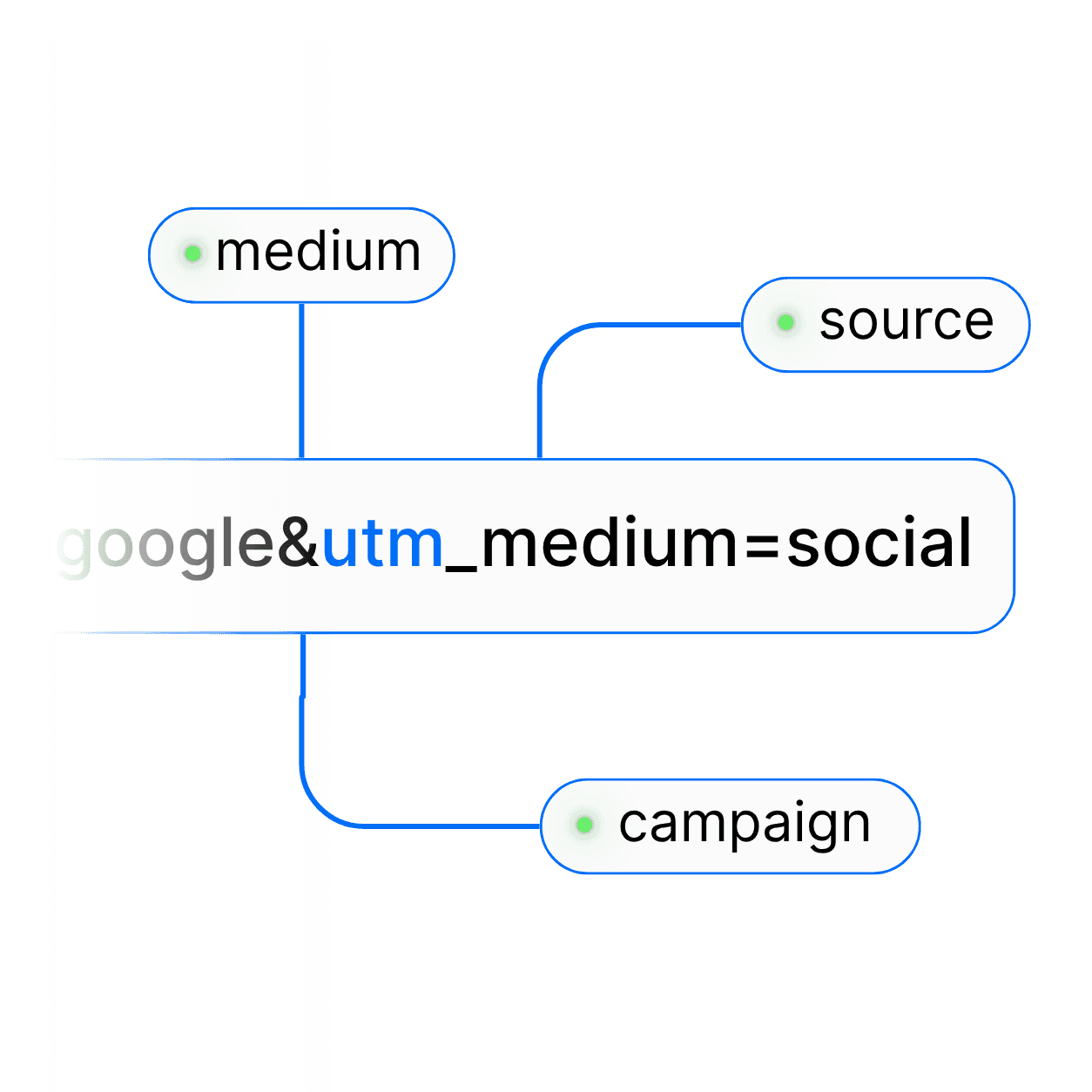
UTM parameter
Easily add UTM parameters to every link to track campaign performance.
Customizing the slug
Create unique, short, and memorable connections by customizing each slug.
Advanced setting
Add expiration, limit clicks, or password to protect your links and more.
Domain Name
Connect your custom domain to every link for a fully branded experience.
UTM parameter
Easily add UTM parameters to every link to track campaign performance.
FAQ's
Common questions with Clear answers
Here are answers to the most common things people ask before getting started.
FAQ's
Common questions with Clear answers
Here are answers to the most common things people ask before getting started.
FAQ's
Common questions with Clear answers
Here are answers to the most common things people ask before getting started.
Does the Twitch deeplink work on iOS and Android?
Yes! OpenUp detects the OS and opens the Twitch app automatically.
Will viewers land on my live stream directly?
Yes! The link opens your channel in the app, so if you’re live they land on the stream.
Can I deeplink a clip or VOD?
Yes, paste the clip or VOD URL.
What if the viewer doesn’t have Twitch installed?
OpenUp falls back to the Twitch web player in Safari or Chrome, or the App Store.
Does Twitch allow deeplinking?
Yes, Twitch supports app links and Universal Links.
Does the Twitch deeplink work on iOS and Android?
Yes! OpenUp detects the OS and opens the Twitch app automatically.
Will viewers land on my live stream directly?
Yes! The link opens your channel in the app, so if you’re live they land on the stream.
Can I deeplink a clip or VOD?
Yes, paste the clip or VOD URL.
What if the viewer doesn’t have Twitch installed?
OpenUp falls back to the Twitch web player in Safari or Chrome, or the App Store.
Does Twitch allow deeplinking?
Yes, Twitch supports app links and Universal Links.
What do you want to create?

Deep links




What do you want to create?
Deep links
What do you want to create?
Deep links